Notes on Recording
If "Protected" appears in the display
The MD is record-protected. Close the slot to record on the
disc (see _To protect an MD against accidental erasure" on
page 7).
If "Din Unlock" flashes in the display
• The digital program source is not connected as you set
with INPUT in Step 4 on page 6.
To continue, connect the program source properly.
• The program source is not on.
Turn on the program source.
When the source you record from is:
• This system's CD player
- The digital signal from the CD is recorded as it is (digital
recordingy _.
- Track numbers are automatically marked as on the
original CD.
• This system's tuner and tape deck
- The analog signal is converted to a digital signal and
recorded (analog recorc[b_) *_.
- A track number is marked at the beginning of a recording,
but when you turn on the Level Sync function (see page
12), track numbers are automatically marked in sync with
the level of the input signal.
* For details on the limitations for digital recording, see
page 31.
**This signal is converted because these systems do not use
digital signals.
Note on MD track numbers
On an ME), the track number (track sequence), track start
and end point information, etc., are recorded in the TOC*
area independent of the sound information. You can edit
recorded tracks quickly by modifying the TOC information.
* TOC: Table Of Contents.
When "TOC" flashes in the display
The deck is currently updating the Table Of Contents (TOC).
Do not move the deck or pull out the AC power cord.
Changes to an MD made through recording are saved only
when you update the TOC by ejecting the MD or changing
the deck to standby by pressing l / (_.
The MD deckusesthe SCMS(SerialCopyManagement
Systemon page 34)
MDs recorded through digital input connector cannotbe
copied onto other MDs or DAT tapes through the digital
output connector.
When recording digital signals that have been emphasized
(in the higher frequencies)
The signal is automatically de-emphasized (with attenuation
proportional to the degree of emphasis) and the level of the
de-emphasized signal is indicated on the peak level meters.
When the deck isrecordingorin recordingpause,digital
signalsinputthrough DIGITALIN are output to DIGITAL
OUTwith the samesampling rate.
To change the digital input signal to another sampling rate
for output (without recording it to an MD), use Input
Monitor Function (see page10).
Useful Tips for Recording
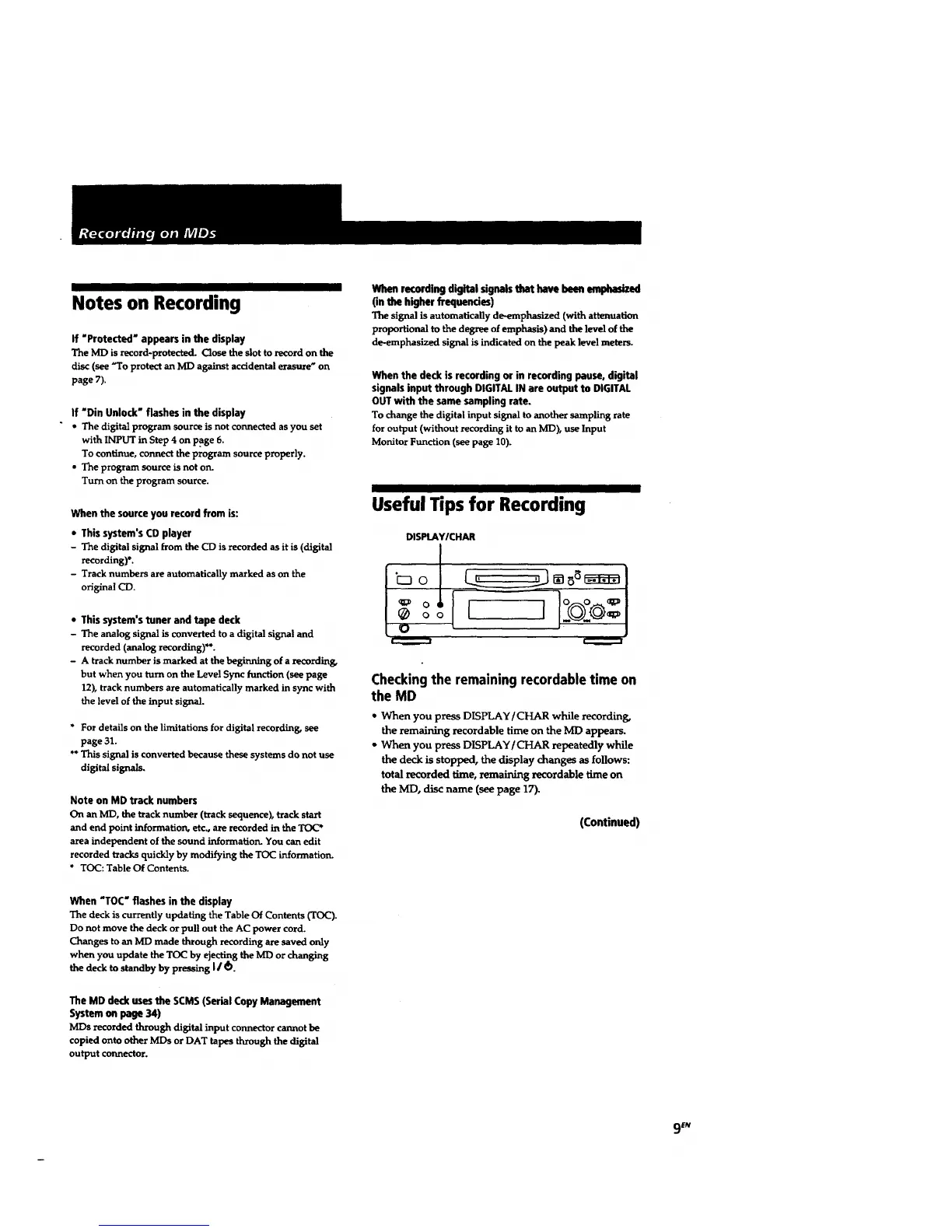
DISPLAYICHAR
ooI 1-o-
Checkingthe remaining recordabletime on
the MD
* When you press DISPLAY/CHARwhile recording,
theremaining recordabletime on the MDappears.
- When you press DISPLAY/CHARrepeatedly while
thedeck is stopped, the display changes as follows:
total recorded time, remaining recordable time on
the IVID, disc name (see page 17).
(Continued)
9 EN



 To Next Page