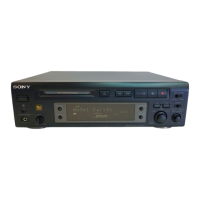
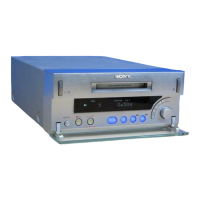
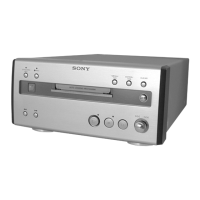
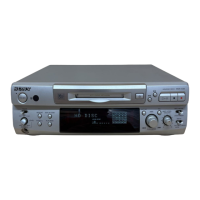
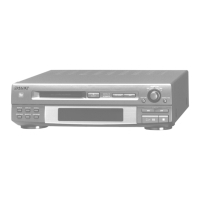
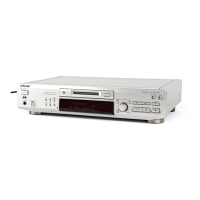
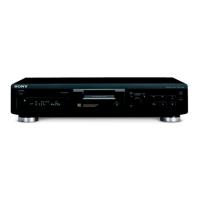
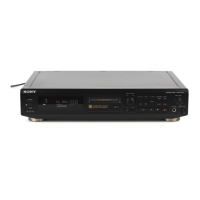
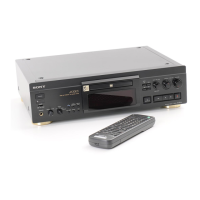
Playing an MD
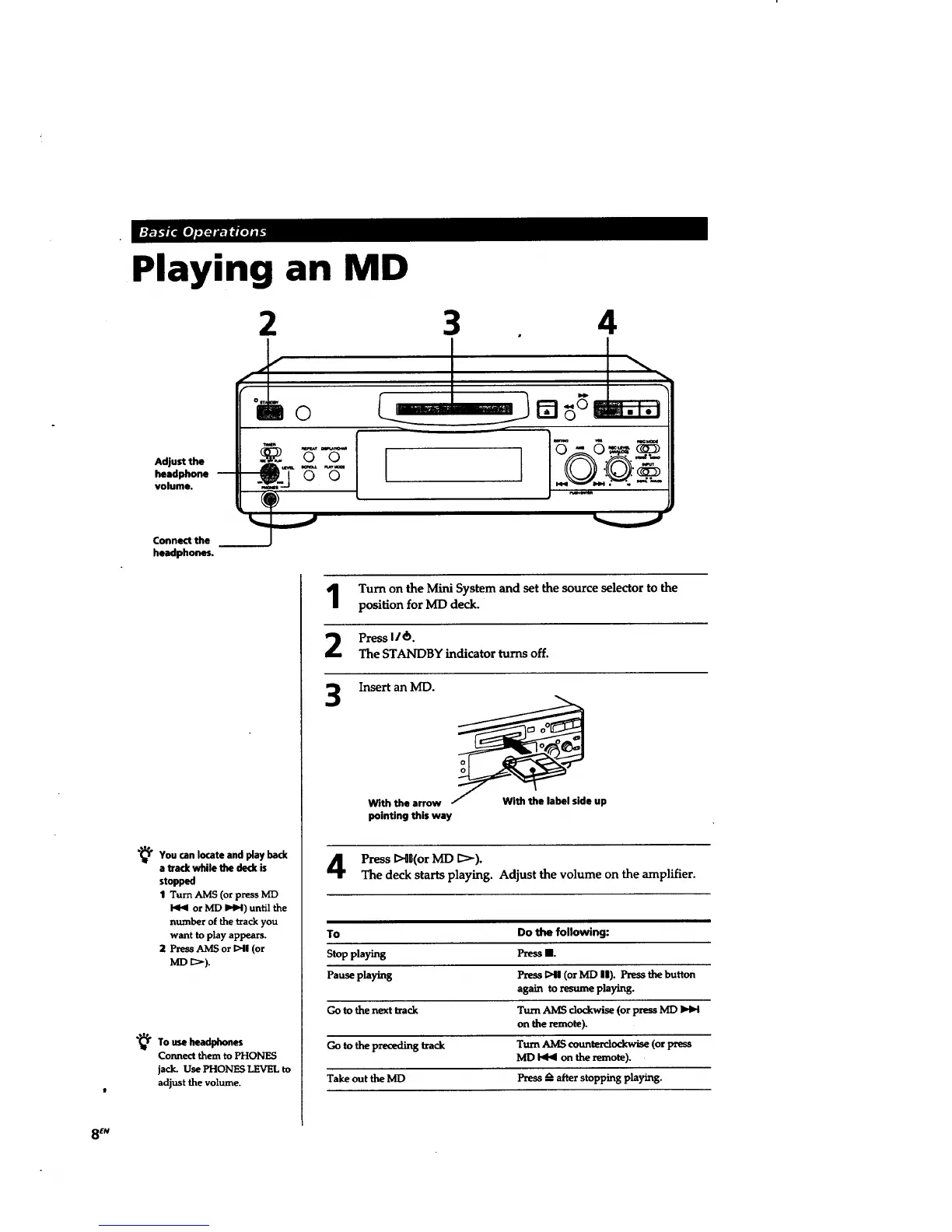
2 3
4
Adjust the
headphone --
volume.
Connect the
headphones.
°'" L
IIRO
I I
"_You locate and bad(
can
fay
a track while the deck is
stopped
1 Turn AMS (or press MD
or MD I_1_1)until the
number of the track you
want to play appears.
2 PrM_-_SAMS or 1>41(or
MD _>).
"4_ To use headphones
Connect them to PHONES
jack. Use PHONES LEVEL to
adjust the volume.
Turn on the Mini System and set the source selector to the
position for ME) deck.
Press 116.
The STANDBY indicator turns off.
Insert an MD.
With the arrow With the label side up
pointing this way
Press I>{l(or MD _>).
The deck starts playing. Adjust the volume on the amplifier.
To Do the following:
Stopplaying PressII.
Pause playing Press 1>41(or MD II). Press t_ button
again toresumeplaying.
Go to thenext track TurnAMSclockwise(orpress MD
on the remote).
Go to the preceding track Turn AMS counterclockwise (or press
MD _ on the remote).
Take out the MD Press _--after stopping playing.
8 EN



 To Next Page