134
Service menu
Service menu
Requesting /quitting the service menu
The following information can be requested from the service
menu.
•
Model No.: - display of model number
•
Serial No.: - display of serial number
•
Changer Reset - reset triggering for CDC (if present).
To reset, press multifunction button.
•
GAL - display of current GAL setting
•
Radio Software - display of radio software status
•
Radio Bolo - display of radio bolo status
•
Navi Rom - display of navi rom / lib status
•
Navi Flash - display of navi flash status
•
RTC Value - display of RTC value
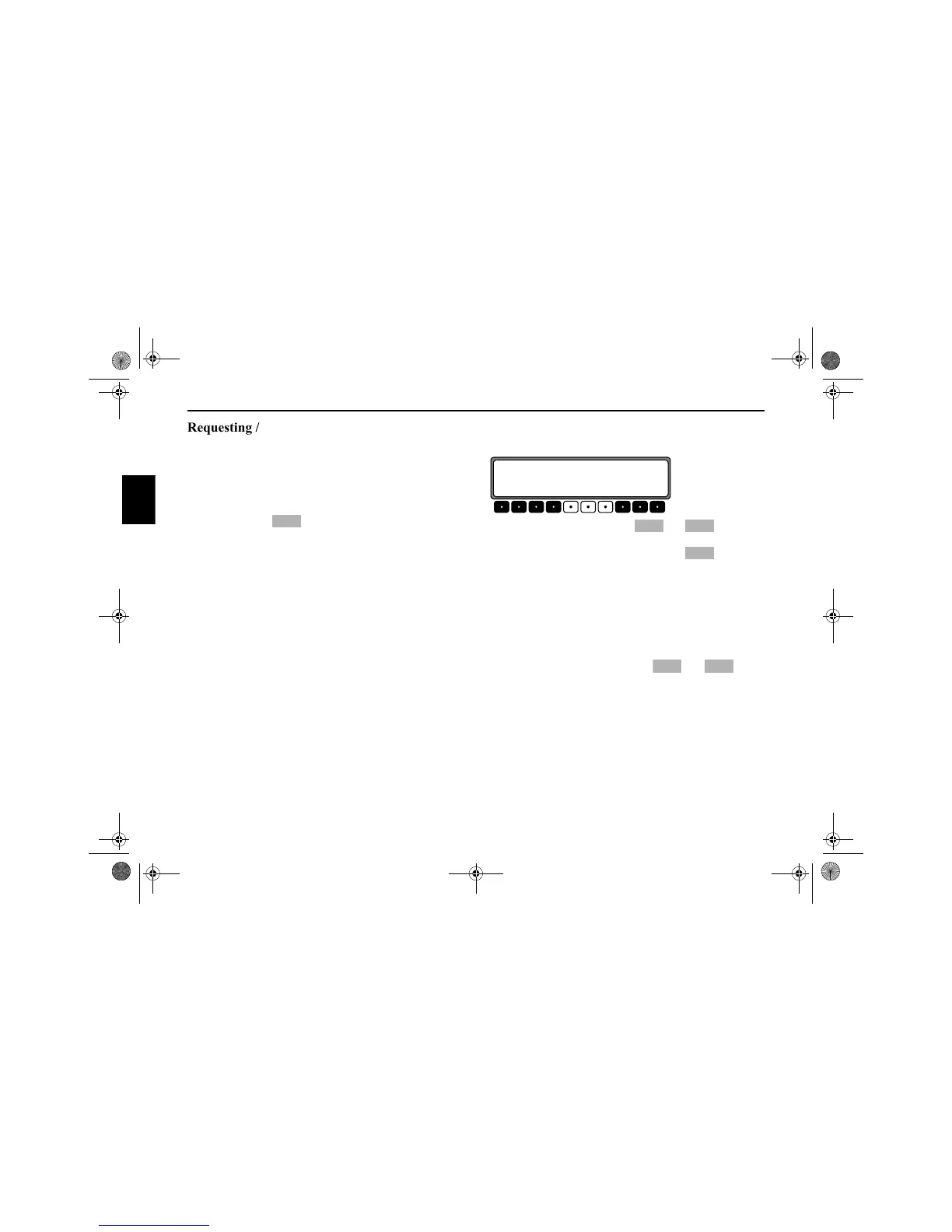
In order to select the service menu, press NAVI and the 10
multifunction buttons simultaneously in radio mode.
Using the multifunction buttons and or by turn-
ing the SELECT control, the individual items can be selected.
In order to quit the service menu, press the multifunc-
tion button.
Triggering reset
If a malfunction of the unit should occur, such that the unit is
no longer capable of operation or is defective in some other
way, a restart of the internal unit software (reset) can be trig-
gered via the following button combination.
In order to trigger a reset, press the , the multi-
function buttons and TP simultaneously.
The navigation CD must be inserted after a reset of the unit
software.
Res
Model Name:
SONY MEX-100NV
Nxt Prv End
Nxt Prv
End
1 3
7890_GB.book Seite 134 Montag, 1. Juli 2002 1:20 13



 To Next Page