78
General operation
General operation
Switch on / off
Press (Power on/off).
Additional options for switching on / off: Via ignition. In or-
der to switch on via the ignition, the unit must have been
switched off previously via the ignition. After switching off
the ignition, the unit can be prevented from switching off by
pressing (Power on/off) within 3 seconds.
Note: With the ignition switched off, the unit can also be
switched on via (Power on/off). The unit
switches off automatically after 1 hour.
Adjusting the volume
Turn the VOL/INFO control. The volume is increased or de-
creased.
Activating the tone menu
Press SOUND. The tone menu is activated. The following
functions can be requested:
Bas (Bass), Trb (Treble), Fad
(Fader), Bal (Balance), Flt (Linear setting) Sub (Subwoof-
er) and
Ldn (Loudness).
Settings for the bass, treble, fader, balance and loudness are
stored separately for wavebands MW, LW, SW, FM, for traf-
fic announcements, navigation messages, telephone opera-
tion, CD and CDC/AUX operation.
Setting the bass
Press SOUND and then the multifunction button .
Set the desired bass level using the SELECT control.
Setting the treble
Press SOUND and then the multifunction button .
Set the desired treble level using the SELECT control.
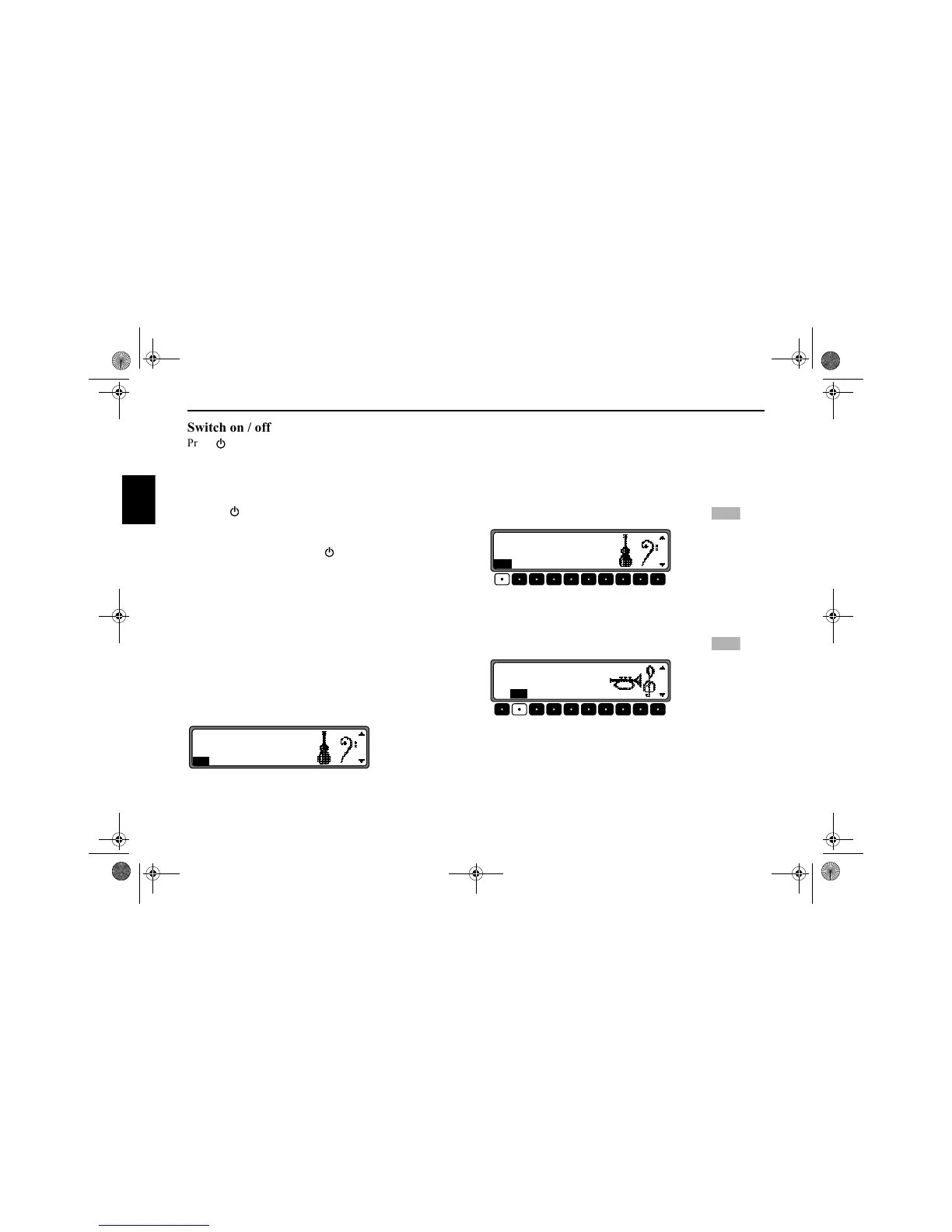
FM Bass 0
BasTrb Fad Bal Flt Sub Ldn
Bas
FM Bass 0
BasTrb Fad Bal Flt Sub Ldn
Trb
FM Treble 0
BasTrb Fad Bal Flt Sub Ldn
7890_GB.book Seite 78 Montag, 1. Juli 2002 1:20 13



 To Next Page