93
Navigation operation
Stopover
This function enables a stopover to be entered when route
guidance is active.
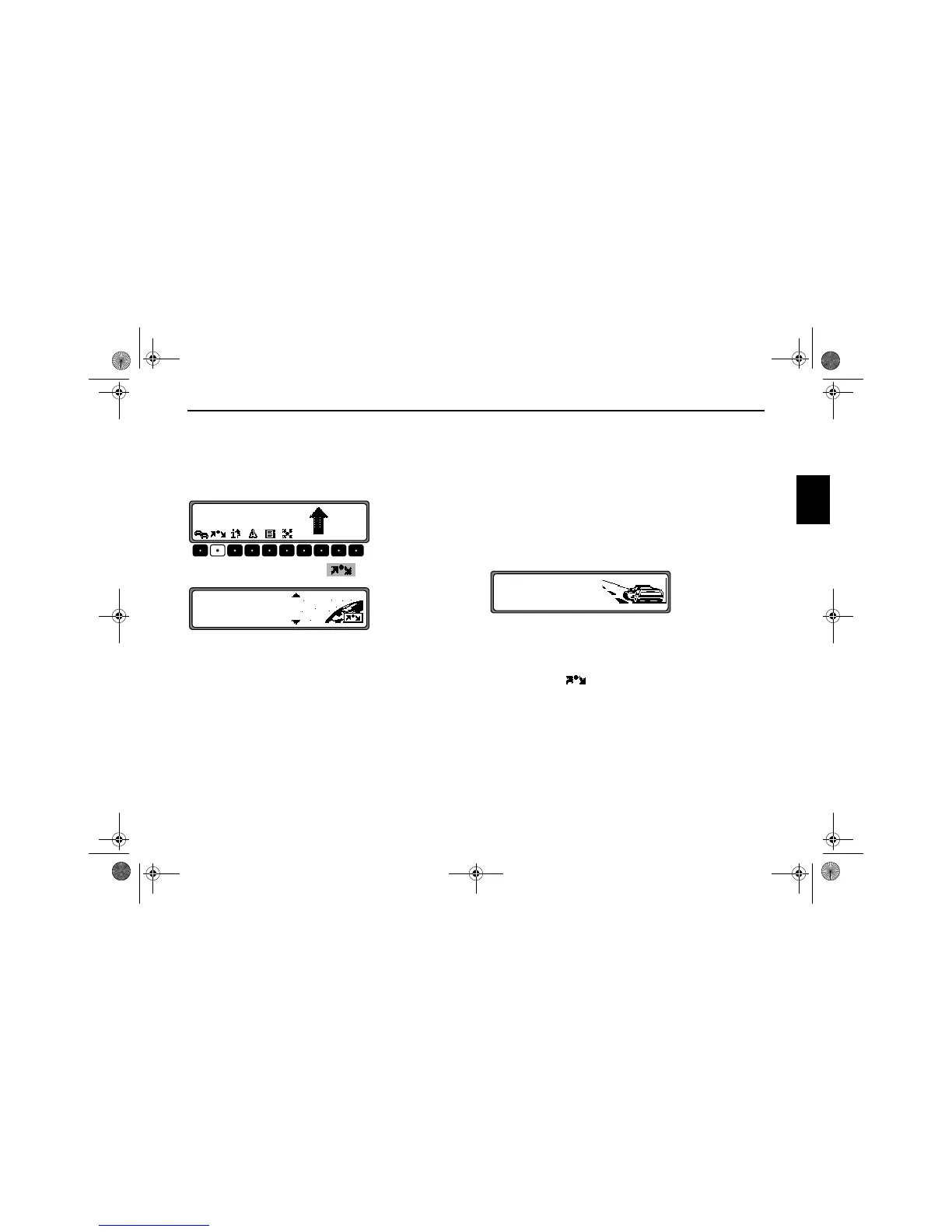
Entering a stopover
Press the multifunction button .
Using the SELECT control, make a selection and press to
confirm.
•
DEST. MEMORY
(see page 104) Select the stopover from the destination
memory.
•
DESTINATION
(see page 83) allows entry of a stopover with the precise
specification of the address.
•
P.O.I
(see page 104) enables the selection of special destina-
tions as stopovers via
LOCAL AREA, NEARBY
DESTINATION
and TOWN/COUNTRY, e.g. petrol stations
or airports.
Starting route guidance to a stopover
To start route guidance to the stopover, press the SELECT
control.
The route is calculated and route guidance begins.
Note: The symbol is displayed inversely during
route guidance to a stopover.
5.0
KM
10:23
MAIN ROAD
DESTINATION
P.O.I
DEST. MEMORY
START
7890_GB.book Seite 93 Montag, 1. Juli 2002 1:20 13



 To Next Page