85
Navigation operation
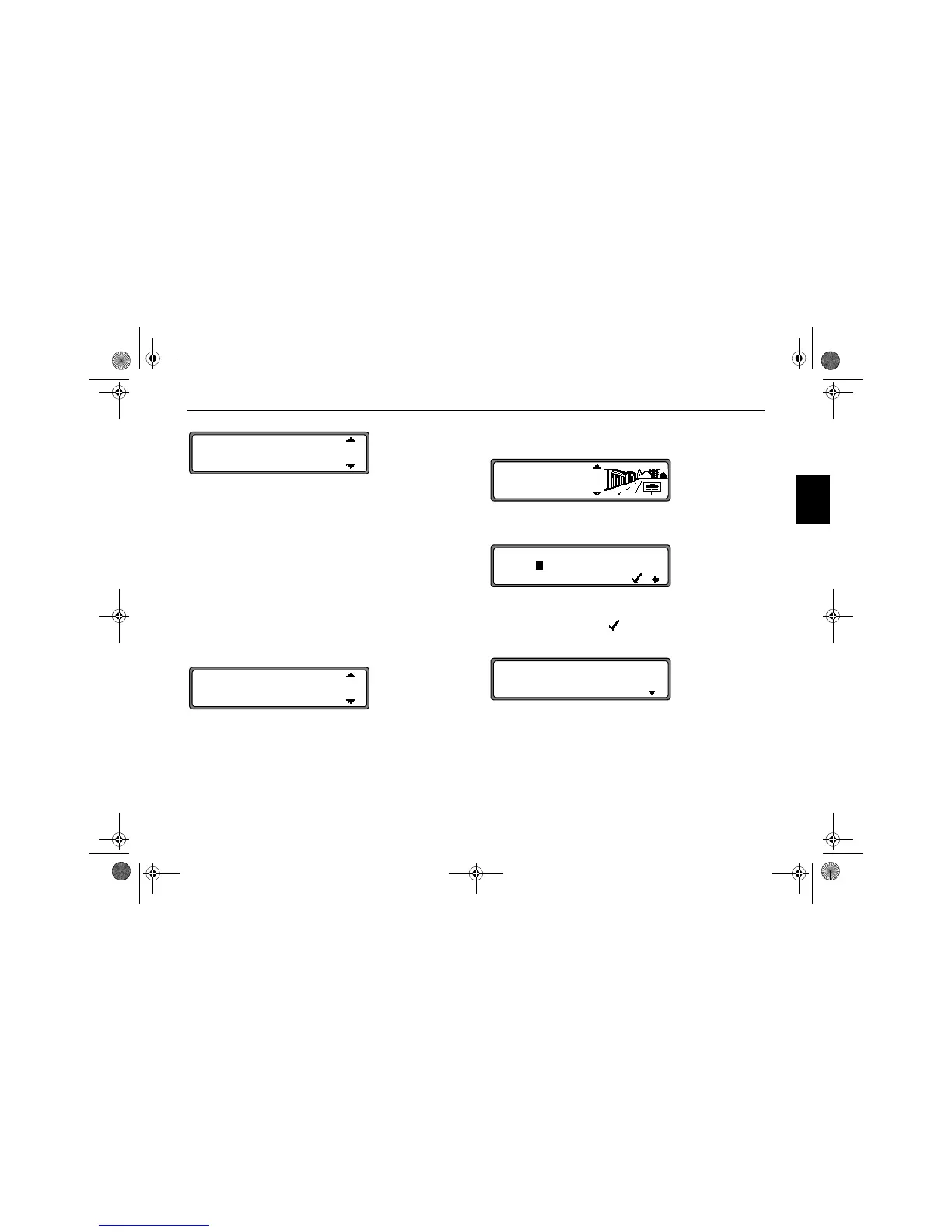
The place nearest to the entry appears in capital letters in the
place selection list.
The scroll marks indicate that more places are available for
selection in alphabetical order.
Select by turning and confirm by pressing the SELECT con-
trol. (See ”General notes” on page 81.)
If the entry is unequivocal, the program switches to road or
centre entry. If no roads and only the centre can be selected in
the location entered, the program switches directly to route
menu.
The place-distinguishing list is displayed if the selection is
ambiguous.
Select the required place using the SELECT control and press
to confirm.
The program switches to road or centre entry.
If no roads and only the centre can be selected in the location
entered, the program switches directly to route menu.
Selecting destination via post code
The destination can also be selected via the town’s post code.
Select the destination’s
POST CODE by turning the SELECT
control and press to confirm the selection.
Using the SELECT control, enter the post code for the desti-
nation and press for more than 2 seconds to confirm the entry.
To confirm, the small tick can also be selected and the SE-
LECT control briefly pressed.
The display then shows either the destination corresponding
to the post code or, if the post code is shared among several
towns, a list containing these towns.
LONDESBOROUGH
LONDON
LONDON APPRENTICE
LONDESBOROUGH
LONDON
LONDON APPRENTICE
CENTRE
POST CODE
GREAT BRITAIN
POST CODE:
ABCDEFGHI.KLMNOP.RSTU.W.YZ
H
...........4..........
FASLANE
HELENSBURGH
7890_GB.book Seite 85 Montag, 1. Juli 2002 1:20 13



 To Next Page