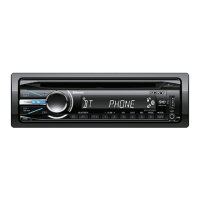
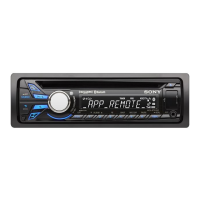
MEX-BT4100E/BT4100P/BT4100U/BT4150U
26
SECTION 4
TEST MODE
SETTING THE TEST MODE
Setting method:
1. Press the [ OFF SOURCE] button for 1 second to turn the
power off.
2. Press the [SHUF 4] t [MIC/ZAP 5] t [
V
ALBUM 1] but-
tons sequentially (the [
V
ALBUM 1] button is pressed for two
seconds).
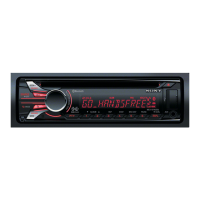
3. It is set to the test mode, and all segments of the liquid crystal
display light.
Releasing method:
Press the [ OFF SOURCE] button for 1 second.
MICROPHONE AUDIO LOOPBACK
To confi rm the state of the external microphone used when a
handsfree function is used, the microphone audio is output from
the speaker.
The breakdown judgment of the microphone can be done without
connecting H/F with the cellular phone.
Procedure:
1. Enter the test mode.
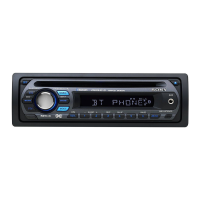
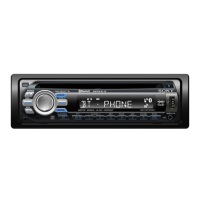
2. Press the [ OFF SOURCE] button to select the Bluetooth
Phone function.
3. On/off of the microphone audio loopback function changes
whenever the [ALBUM
v
2] button is pressed (“ALBM” is
displayed in the liquid crystal display).
LOOPBACK ALBM
ON Lit
OFF None


 To Next Page