14
Basic Operations
Playing video discs
Depending on the disc, some operations may be different or restricted.
Refer to the operating instructions supplied with your disc.
To stop playback
Press (OFF).
1
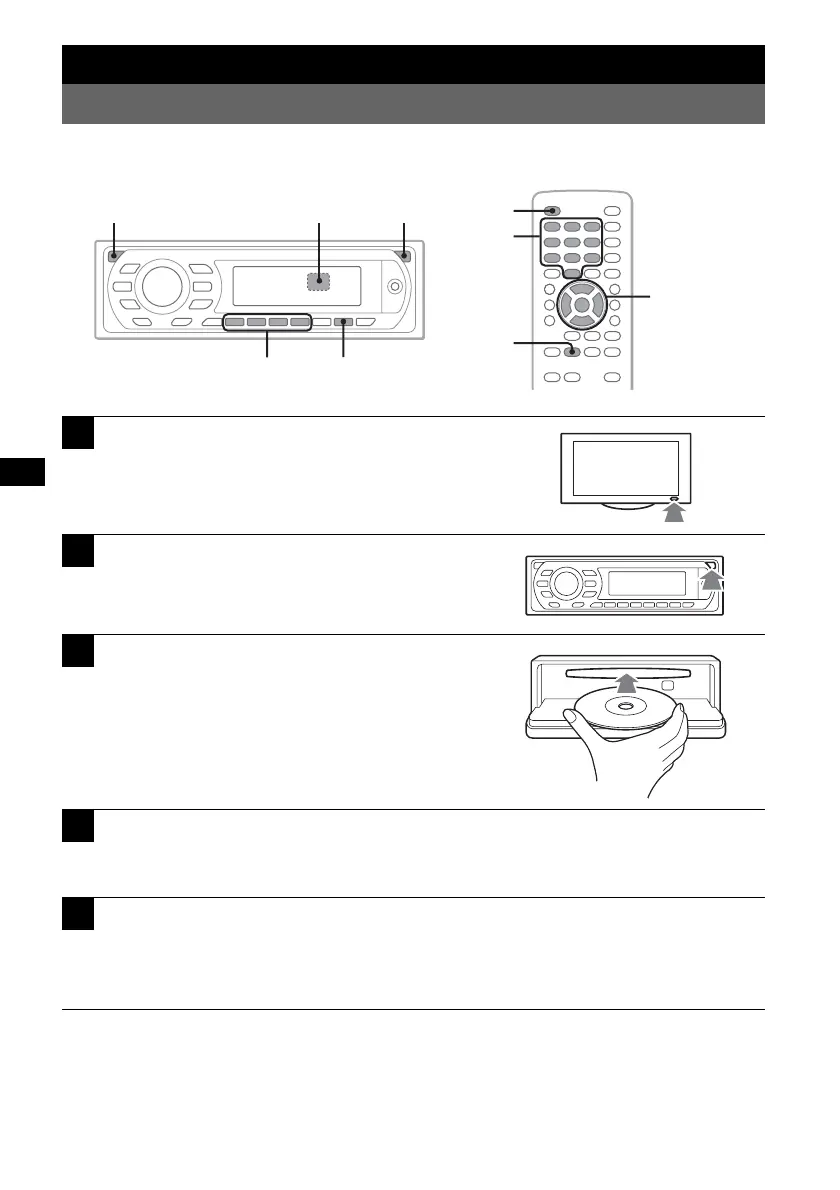
Turn on your monitor, then select the
input source on your monitor
corresponding to this unit.
2
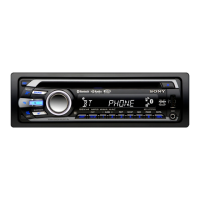
Press (OPEN) on the main unit.
3
Insert the disc (label side up).
4
Close the front panel.
Playback starts automatically.
If playback does not start automatically, press u.
5
If the DVD menu appears, press (1)(b)/(2)(B)/(3)(V)/(4)(v) to move
the cursor, then press (6) (u) to confirm.
With the card remote commander, press the </M/m/,/number buttons to move the cursor,
then press (ENTER) to confirm.
Z
X
Z
</M/m/,
ENTER
OFF
u
u
b/B/V/v
OFF OPENZ
Number
buttons



 To Next Page