18
Listening to the radio
Tip
For details on other radio functions, see “Advanced Operations — Radio” on page 34.
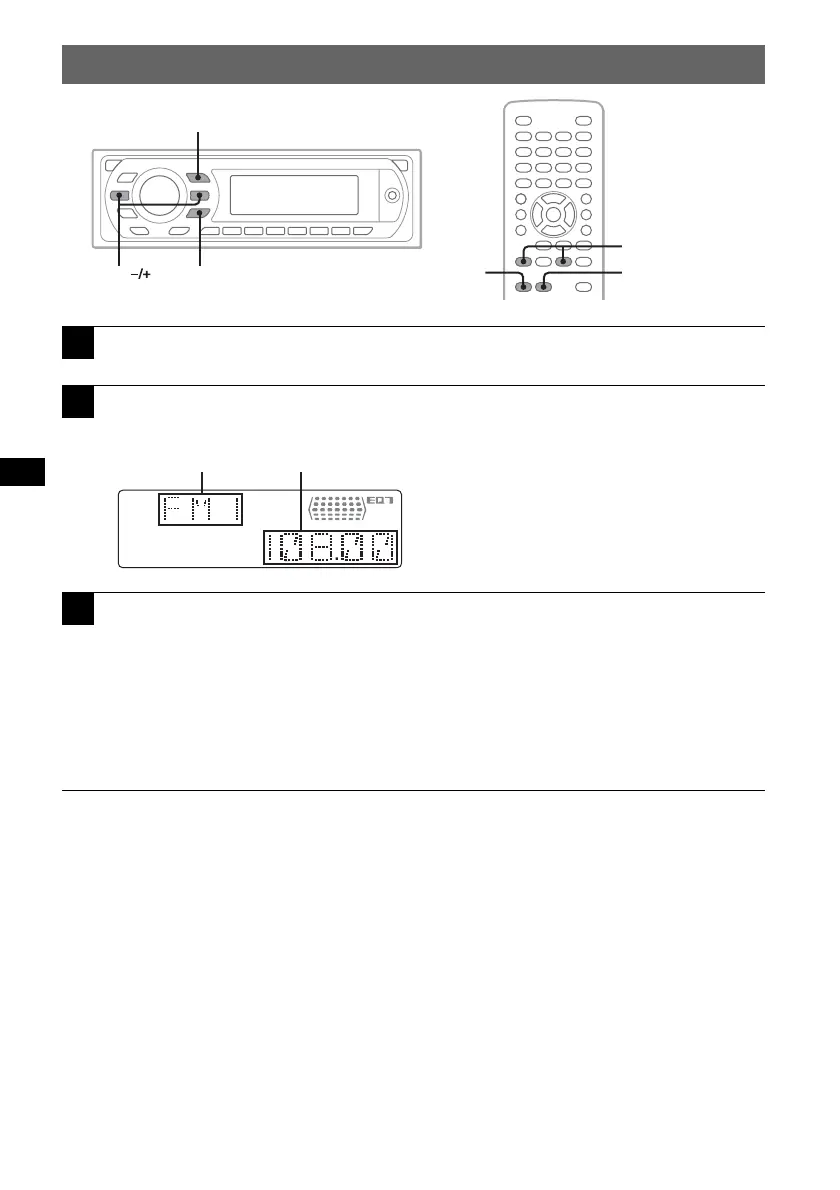
With the card remote commander
Use (SRC) instead of (SOURCE), and .m/M> instead of (SEEK) –/+.
1
Press (SOURCE) repeatedly until “TUNER” appears.
2
Press (MODE) repeatedly until the desired band (FM1, FM2, FM3,
AM1 or AM2) appears.
3
Perform tuning.
To tune automatically
Press (SEEK)
–/+.
Scanning stops when the unit receives a station. Repeat this procedure until the desired station
is received.
To tune manually
Press and hold (SEEK)
–/+ to locate the approximate frequency, then press (SEEK) –/+
repeatedly to fine adjust to the desired frequency.
Z
X
Z
MODE
.m/M>
SRC
SEEK MODE
SOURCE
BA
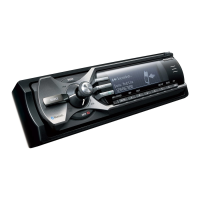
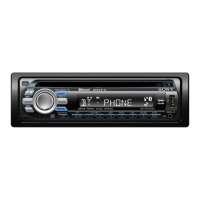
A Radio band/Function
B Frequency



 To Next Page