32
* Available only when playing VCD without PBC
function.
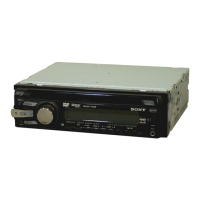
1 During playback, press
(VISUAL SETUP).
The play mode menu appears.
2 Press M/m to select the desired item,
then press (ENTER).
The number in parentheses indicates the total
number of selected item.
3 Press the number buttons to enter an
item number or time code.
For example, to locate 2 hours, 10 minutes,
and 20 seconds, just enter “21020.”
To clear numbers already input, press
(CLEAR).
4 Press (ENTER).
Playback starts from the selected point.
Press (VISUAL SETUP) to hide the play mode
menu.
Multi-channel output of 2-
channel sources — Pro Logic II
Dolby Pro Logic II produces 5 full-bandwidth
output channels from 2-channel sources. This is
done using an advanced, high-purity matrix
surround decoder that extracts the spatial
properties of the original recording without
adding any new sounds or tonal colorations.
The Pro Logic II mode options and switching
order are indicated below.
MUSIC: Provides a deep, wide sound space to
stereo audio recordings.
MOVIE: Provides enhanced sound field
directionality that approaches the quality of
discrete 5.1-channel sound to stereo television
shows and all programs encoded in Dolby
Surround.
1 During playback, press (PLII)
repeatedly until the desired option
appears.
To deactivate, select “OFF.”
Notes
• This function is unavailable for discs in Dolby Digital
(other than 2-channel) or DTS format.
• The Pro Logic II mode is deactivated in the karaoke
mode.
Tip
You can also change the setting by selecting
“PROLOGIC II” in the visual setup menu (page 44).
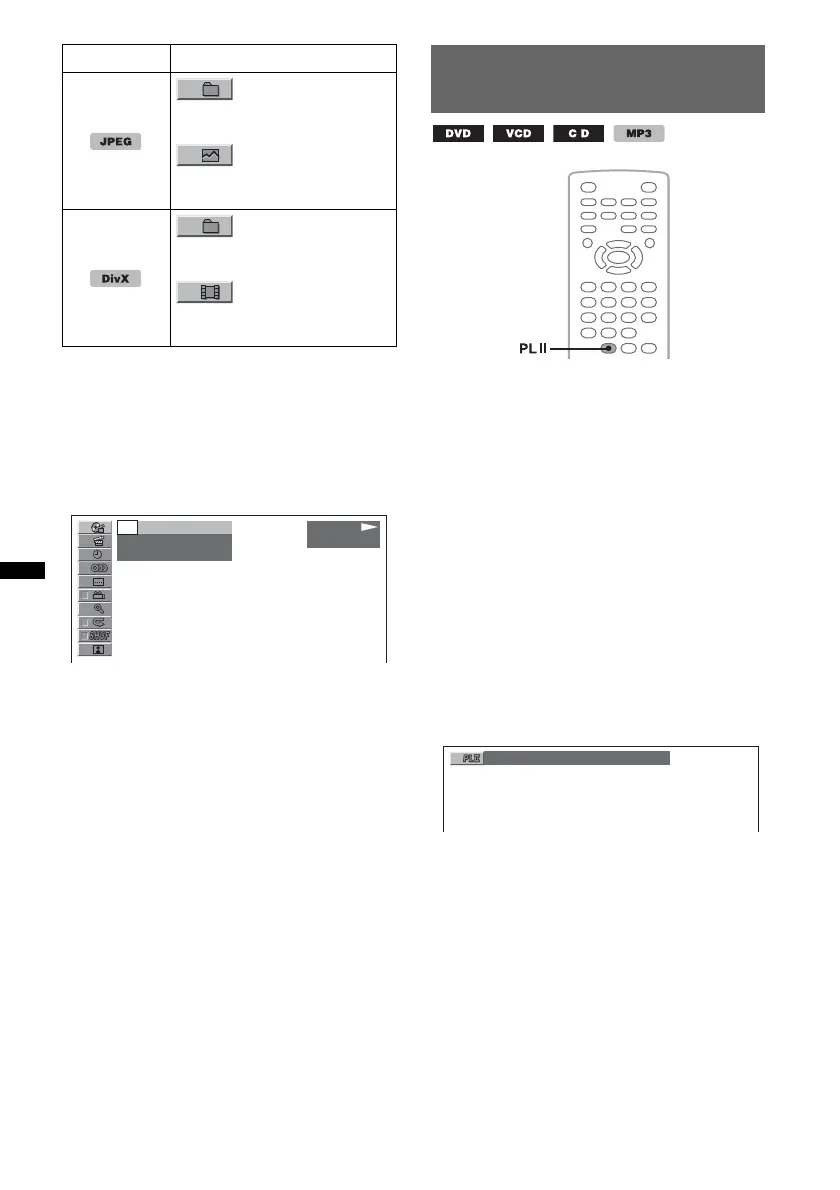
ALBUM
Starts playing from a selected
album.
IMAGE
Starts playing from a selected
image.
ALBUM
Starts playing from a selected
album (folder).
FILE
Starts playing from a selected
file.
Disc/Format Items
PLAY
DVD VIDEO
- -
(
67
)
018
(
034
)
T 1:35:55
MUSIC



 To Next Page