18
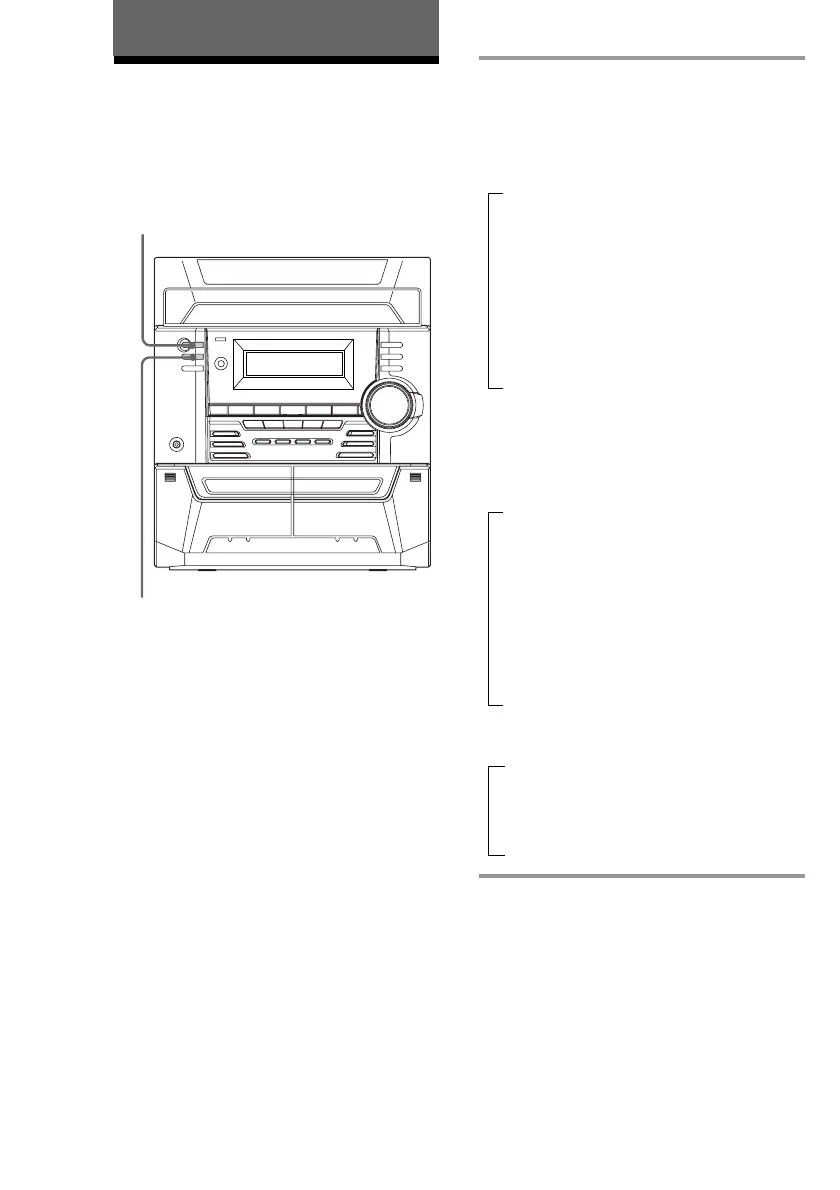
DISPLAY
Using the CD display
You can check the remaining time of the
current track or the entire CD.
The CD Player
?/1
(Power)
t
t
t
, Press DISPLAY.
Each time you press the button during
normal playback or when the playback is
stopped, the display changes as follows:
During normal playback
Playing time of the current track
x
Remaining time of the current track*
x
Disc number of the current track and
“PLAY”
x
Clock display (for ten seconds)
x
Effect status
When playback is stopped
During Program Play mode when there is a
program
The last track number of the program
and the total playing time
x
The last track number of the program
and the total number of programmed
tracks
x
Clock display (for ten seconds)
x
Effect status
In other conditions
The current disc number
x
Clock display (for ten seconds)
x
Effect status
* If the CD contains 21 tracks or more, “--.--” will
appear in the display for each track after the 21st.



 To Next Page