29
Selecting the
surround effects
You can enjoy surround effect.
Changing the
brightness of the
display
You can enjoy changing the brightness of the
display while listening to the music.
V
v
bB
)0P
·
p
DSP
)0P
+=p
·
·ª
·ª
·
p
DIMMER
V
v
bB
/ Press DSP repeatedly to select the
surround effect you desire.
SURROUND ON: Reproduces stereo
sources in surround sound.
HALL: Reproduces the acoustics of a
concert hall.
THEATER: Reproduces the acoustics of a
movie theater.
ENHANCED THEATER: Reproduces
the acoustics of a large movie theater.
DSP OFF: Turns off the DSP mode.
Tip
If you want to memorize the effect, store it into a
personal file (see “Making a personal audio
emphasis file” on page 32).
Note
When you choose other sound effects, the surround
effects will be canceled.
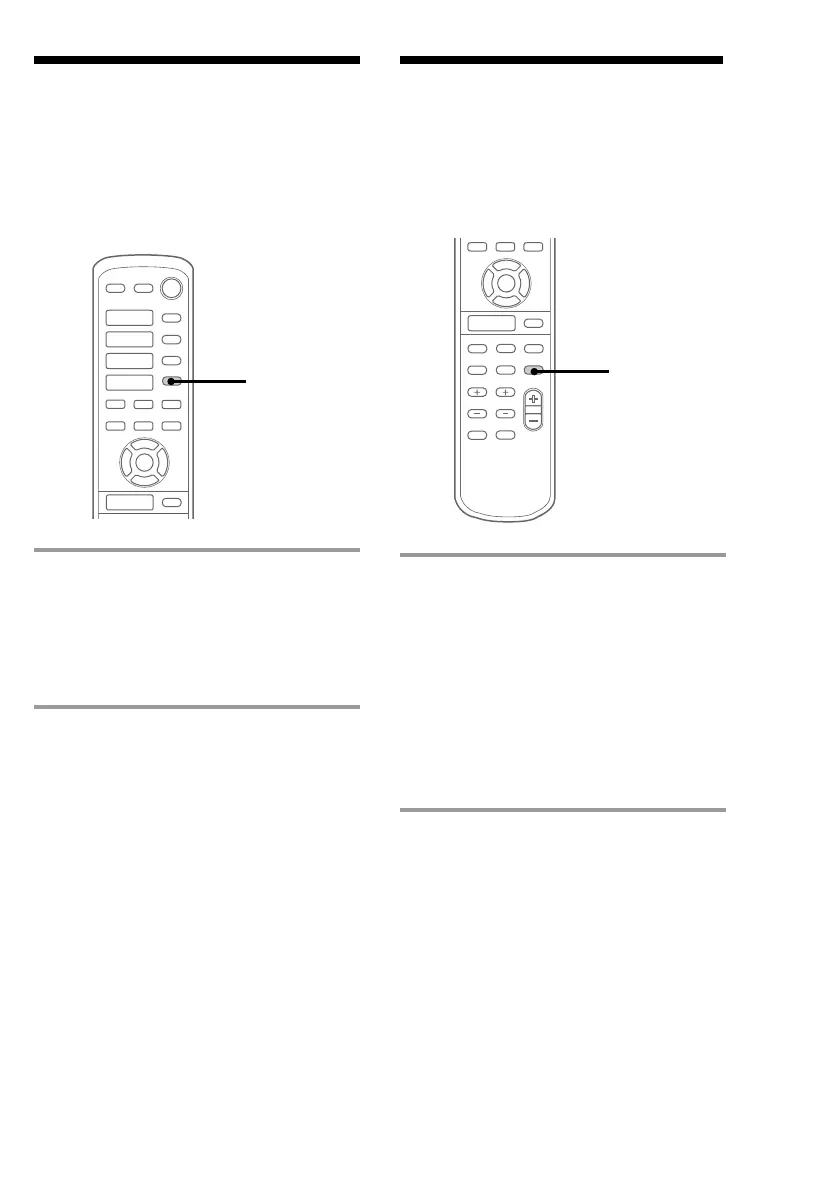
/ Press DIMMER on the remote.
Every time you press the button, the
display changes as follows:
DIMMER ON
DIMMER OFF
˜


 To Next Page
 Loading...