25
GB
n
n
n
/ Press DISPLAY.
Each time you press the button during
normal playback or in the stop mode, the
display changes as follows:
During normal playback
Playing time on the current track
µ
Remaining time on the current track
µ
Remaining time on current CD (1 DISC
mode) or “--.--” display (ALL DISCS
mode)
µ
Clock display (for eight seconds)
µ
Effect (P FILE) name or “EFFECT ON
(OFF)”
(VIDEO CDs with PBC functions
(Ver. 2.0))
Playing time on the current track*
µ
Clock display (for eight seconds)
µ
Effect (P FILE) name or “EFFECT ON
(OFF)”
* May not appear with still images, etc.
In the stop mode
Total number of tracks and total playing
time
µ
Clock display (for eight seconds)
µ
Effect (P FILE) name or “EFFECT ON
(OFF)”
Tip
While playing an audio CD or a VIDEO CD without
PBC functions (Ver. 1.1), the current track number
and playing time of the current track appear in the
display.
Using the on-screen
display
continued
2
3 4 5
6 7 8 9 10
11 12 13 14 15
16 17 18 19 20
1
CONTINUE
PLAYCD
DISC 1 - 3
0 : 20
3
4
**
You can check the current operating status
and disc information of VIDEO CDs or audio
CDs during playback or in stop mode by
superimposing a display on top of the images
on your TV screen.
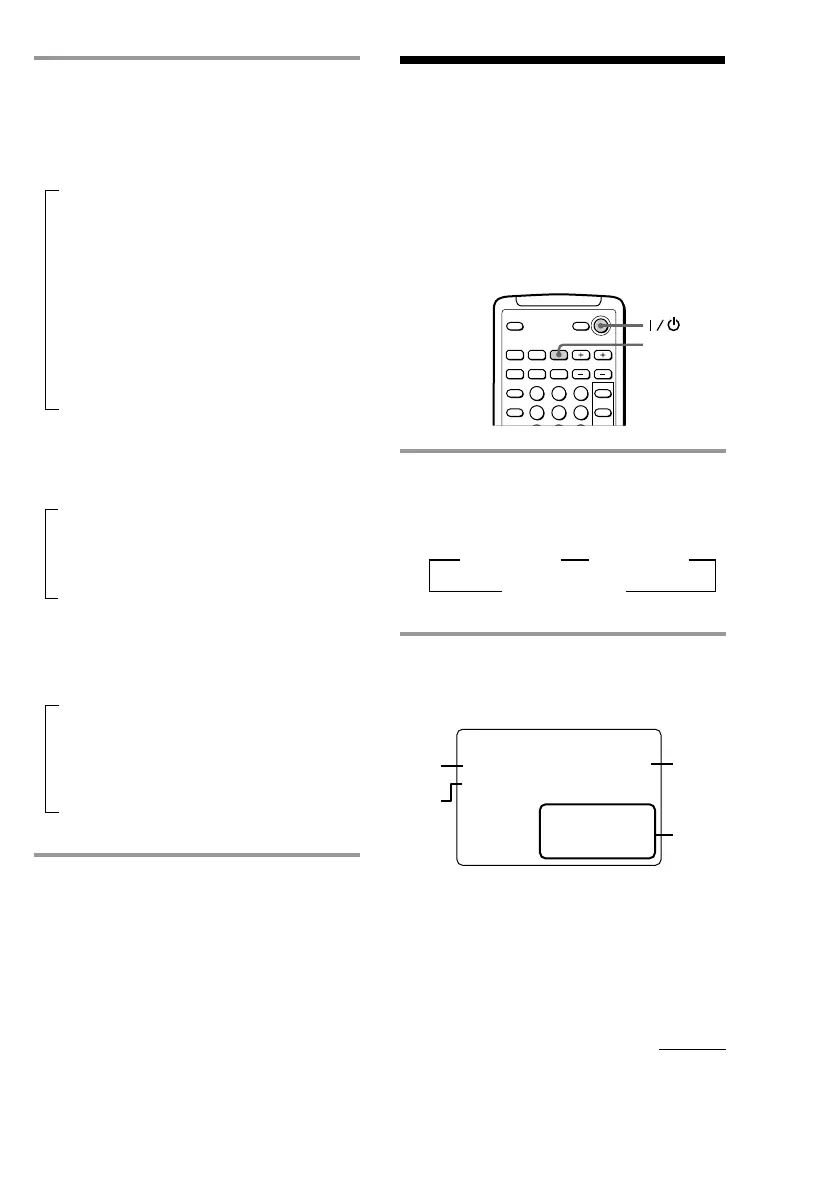
/ Press ON SCREEN.
Each time you press this button, the on-
screen display changes as follows:
n ON SCREEN 1 n ON SCREEN 2
ON SCREEN OFF N
ON SCREEN 1 display
• During playback of an audio CD (except
Program Play mode)
1 Current disc and track number
2 Play mode
3 Elapsed time of current track
4 Music calendar*
* The track numbers in the numerical calendar
disappear after they are played.



 To Next Page