45
GB
Adjusting the graphic
equalizer
(MHC-VX7 only)
You can adjust the sound by raising or
lowering the levels of specific frequency
ranges.
Before operation, first select the audio
emphasis you want for your basic sound.
2
3
46
1Select the audio emphasis you want
for your basic sound (see “Selecting
the audio emphasis” on page 42).
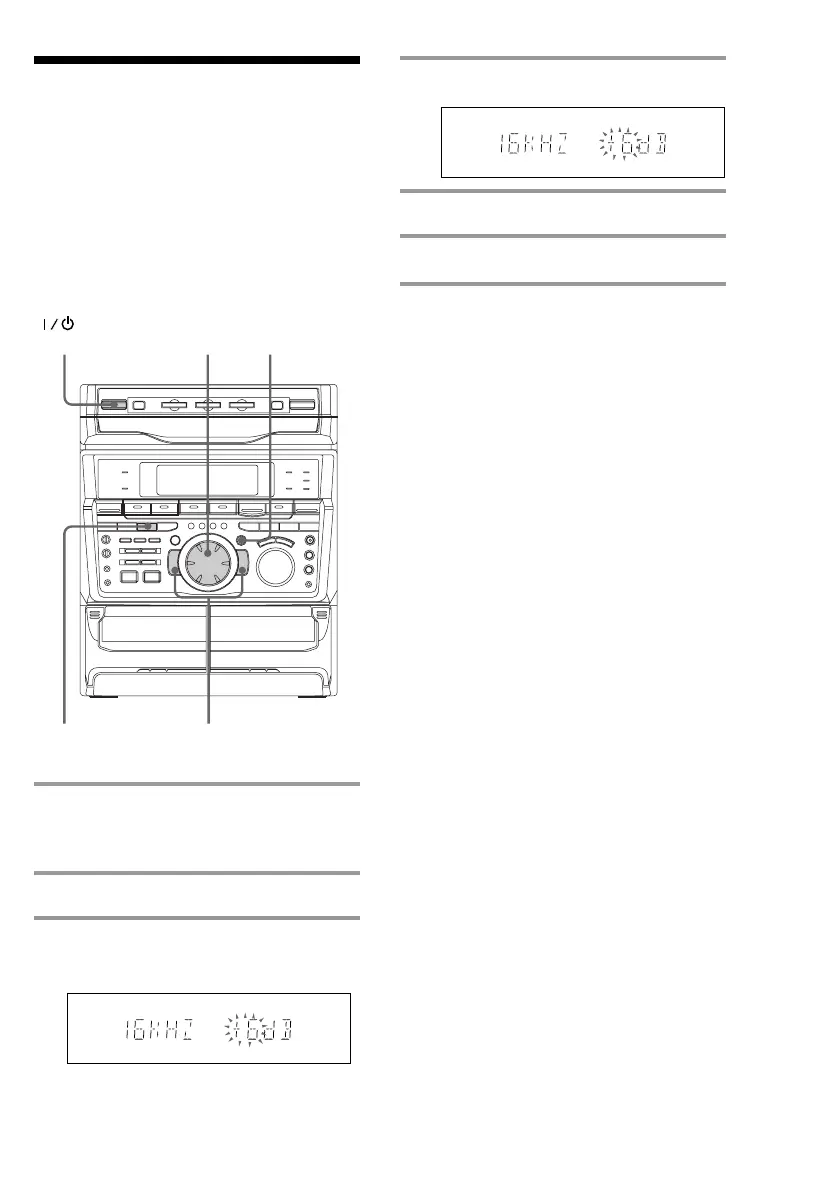
2 Press GEQ CONTROL.
3 Press + or – repeatedly to select a
frequency band.
(Power)
4 Turn the jog dial to adjust level.
5 Repeat steps 3 and 4.
6 Press ENTER/NEXT when finished.
Note
If you choose another menu audio emphasis (other
than “EFFECT OFF”), the adjusted sound effect is
lost. To retain the adjusted sound effect for future
use, store it in a personal file. (See “Making a
personal audio emphasis file” on page 46.)



 To Next Page