42
GB
SYNC EQ
SYNC EQ
EFFECT
MHC-VX5/VX5J
Selecting the audio
emphasis
The audio emphasis menu lets you select the
sound characteristic according to the sound
you are listening to.
Besides, you can also enjoy audio emphasis
using the synchronized equalizer function.
When using this function, the system
switches the equalizer according to the genre
automatically.
Selecting the effect from
the music menu
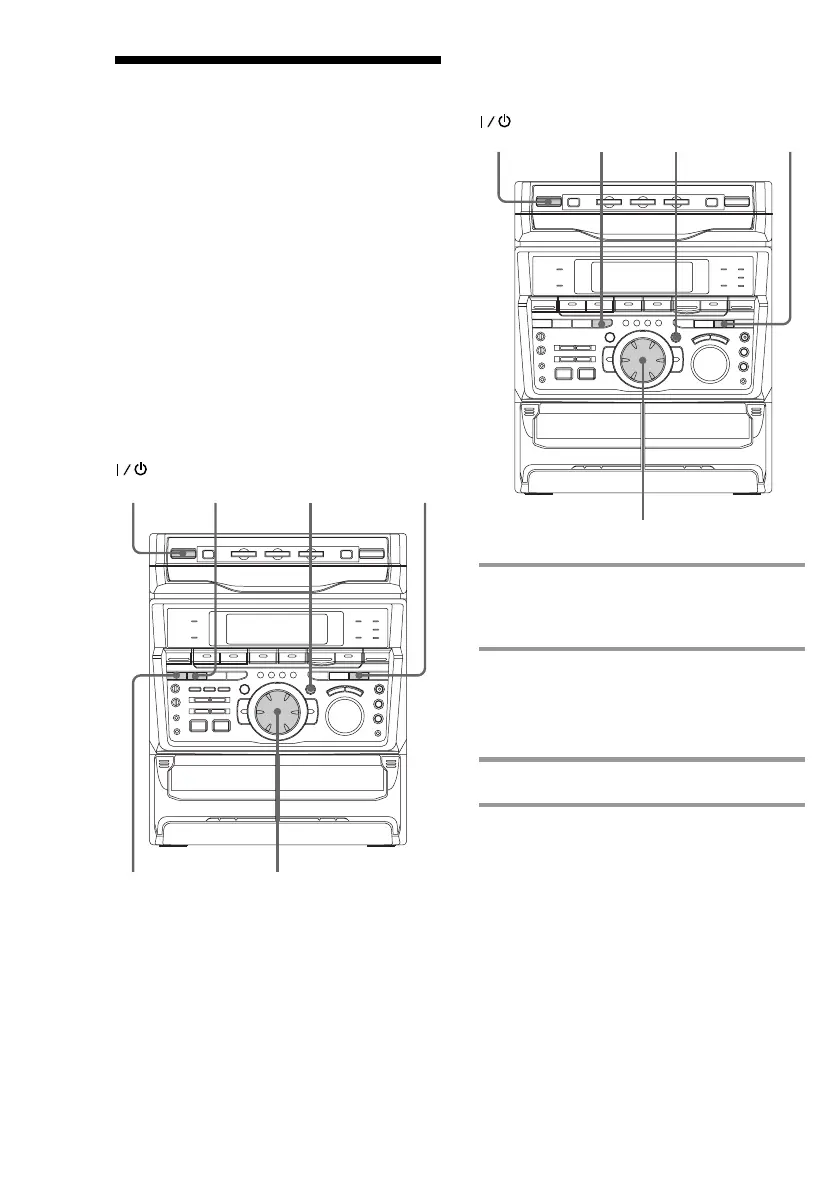
MHC-VX7
2
3
1
(Power)
2
3
1
(Power)
1 Press FILE SELECT.
The last effect chosen appears in the
display.
2 Use the jog dial to select the preset
you desire.
The preset name appears in the display.
See the chart “Music menu options”.
3 Press ENTER/NEXT.



 To Next Page