18
Recording from a
tape
— High-speed Dubbing
You can use TYPE I (normal) tape.
4 Press DIRECTION repeatedly to
select g to record on one side.
Select j (or RELAY) to record on
both sides.
5 Press REC PAUSE/START.
Dubbing starts.
To stop dubbing
Press x.
Tips
• When you dub on both sides, start recording from
the front side. If you record from the reverse side,
recording stops at the end of the reverse side.
• If you set DIRECTION to j when the tapes you
use have different lengths, the tape in each deck
reverses independently. If you select RELAY, the
tapes in both decks reverse together.
• You don’t have to set DOLBY NR, since the tape in
deck B is automatically recorded in the same state
as the tape in deck A (MHC-VX99 only).
With the side
you want to
play/record
facing forward
1 Press TAPE A/B.
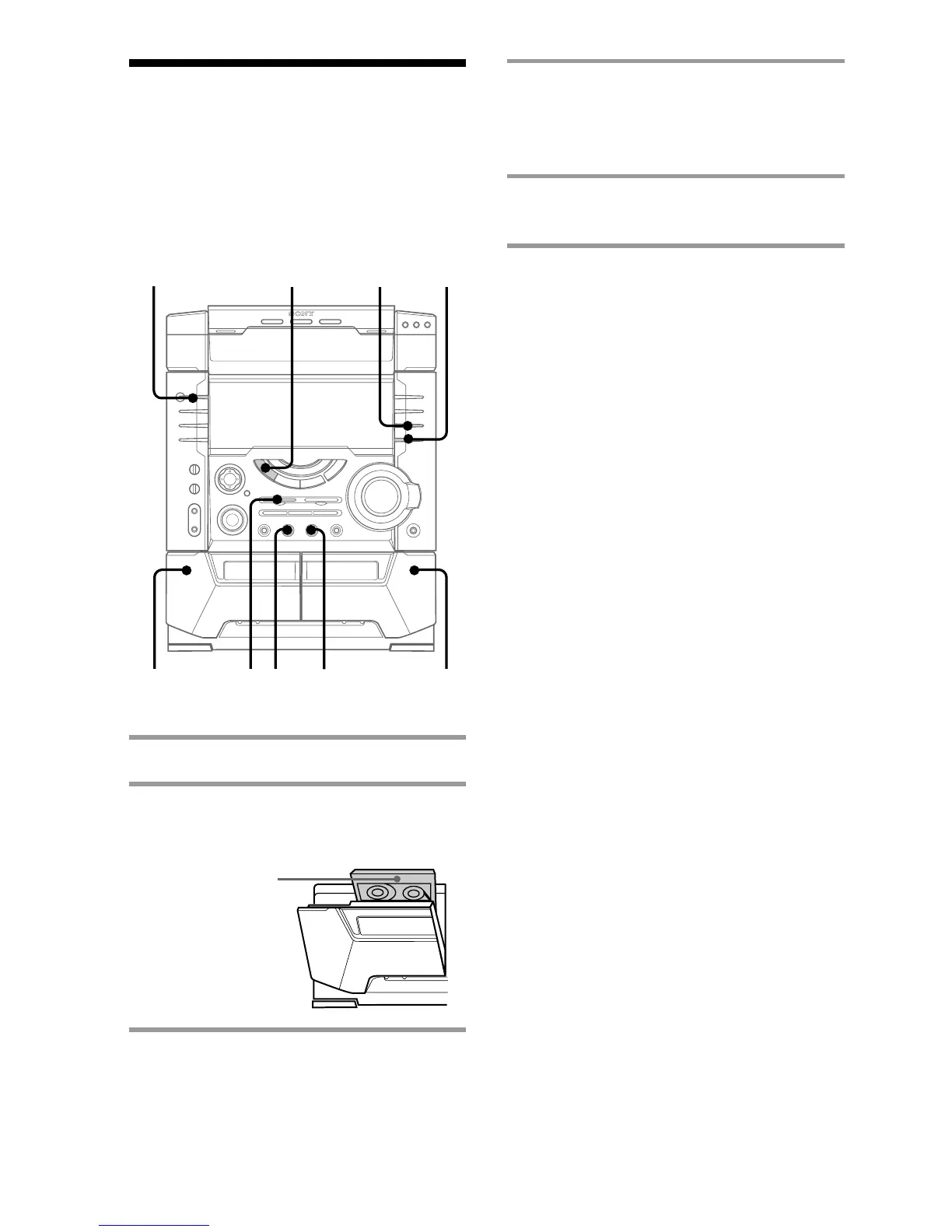
2 Press Z and insert a recorded tape
in deck A and a recordable tape in
deck B.
3 Press CD SYNC HI-DUB.
Deck B stands by for recording.
?/1
(Power)
DOLBY NR
4
x
22 35
1



 To Next Page