41
Adjusting the graphic
equalizer
You can adjust the sound by raising or
lowering the levels of specific frequency
ranges.
Before operation, first select the audio
emphasis you want for your basic sound.
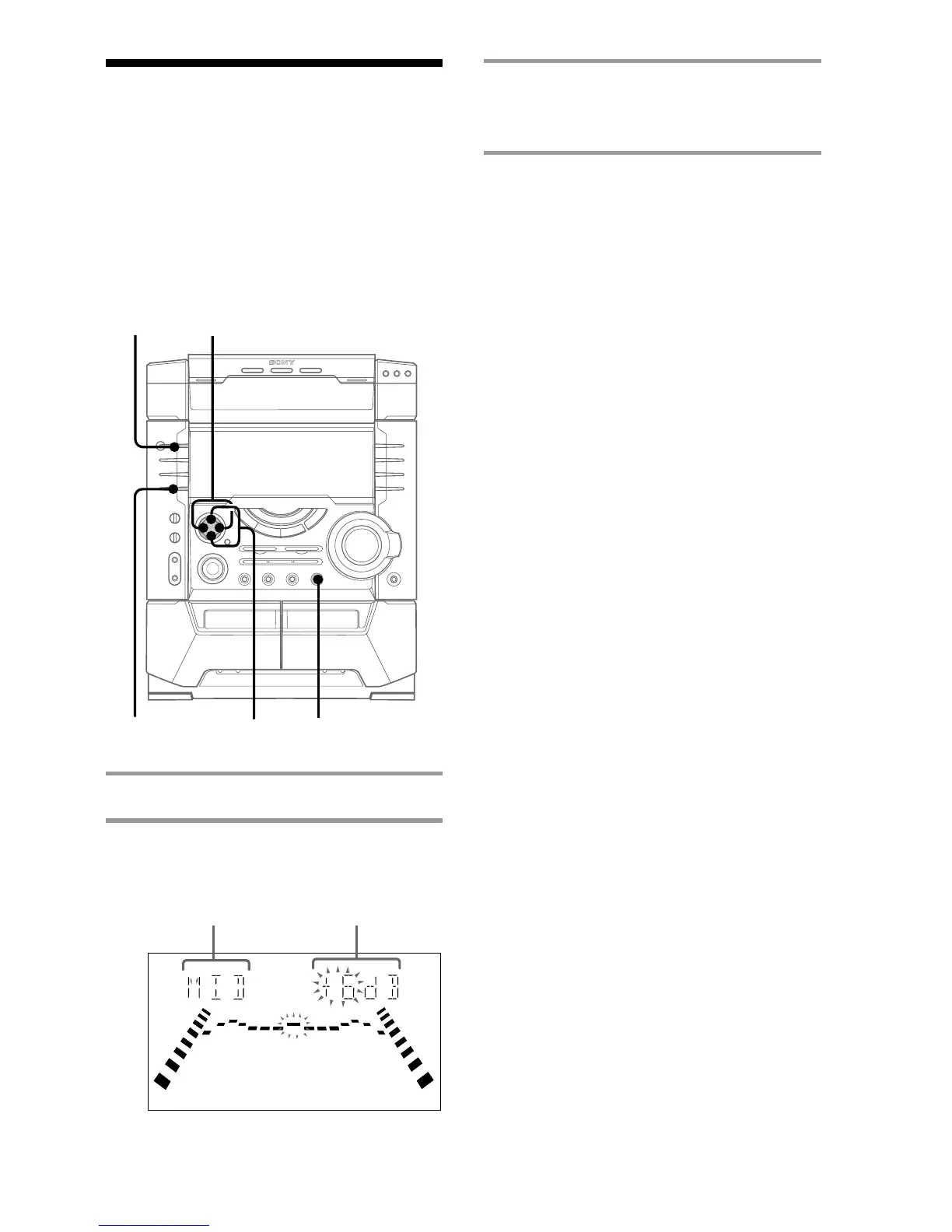
1 Press EQ EDIT.
2 Press b/B to select the frequencies,
then press v/V to adjust the level.
3 Press ENTER.
This setting is automatically stored as
USER FILE.
Tip
If you want to select the previously adjusted
equalizer settings (USER FILE), press v (or MULTI
MENU v on the remote).
?/1
(Power)
Frequency band Frequency level
3
1
v/V
b/B



 To Next Page