40
Changing the
spectrum analyzer
display
You can enjoy changing the display while
listening to the music.
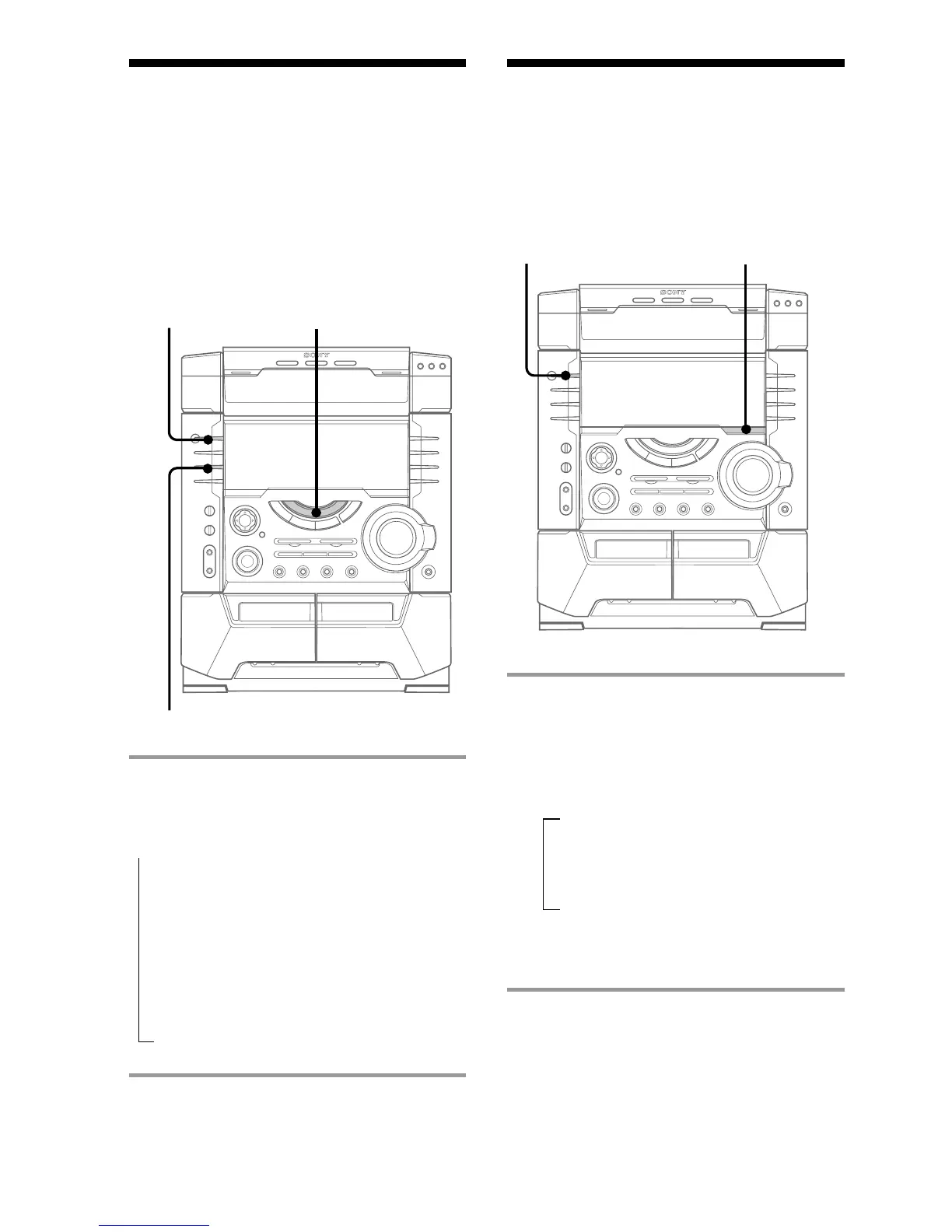
, Press SPECTRUM.
Every time you press the button, the
display changes as follows:
Note
During EFFECT OFF or SPECTRUM OFF mode, the
function indicator will automatically turn off.
Selecting the
surround effect
You can enjoy the surround effect.
, Press CINEMA SPACE repeatedly
to select the surround effect you
desire.
Every time you press the button, the
display changes as follows:
* CINEMA SPACE is the surround
effect for movies.
Note
• When you choose other sound effects, the
surround effect will be canceled.
• When you choose CINEMA SPACE, you cannot
adjust the effect level.
?/1
(Power)
?/1
(Power)
t
SPECTRUM 1
x
SPECTRUM 2
x
SPECTRUM 3
x
IMAGE PATTERN
x
SPECTRUM OFF*
Function
indicator
t CINEMA SPACE*
x
SURROUND ON
x
SURROUND OFF
SPECTRUM
CINEMA SPACE
* The display slightly dims.



 To Next Page