20
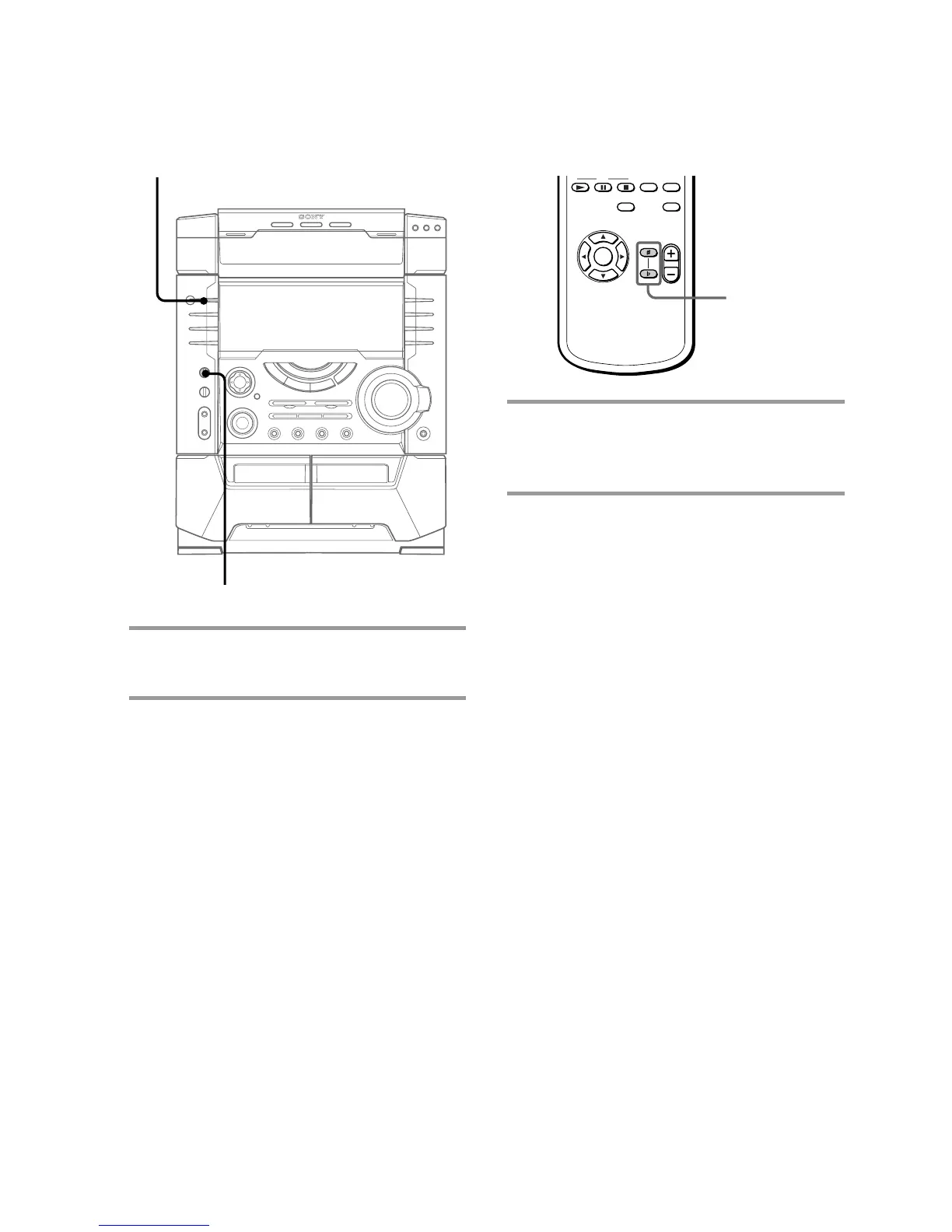
Adjusting the key
This function allows you to adjust the key to
suit your vocal range when playing a VIDEO
CD or standard audio CD.
, Press KEY CONTROL # or 2.
You can adjust the key higher or lower
in 13 halftone steps (2 6 ~ # 6).
Note
This function cannot be used with the tape deck.
Adjusting the
microphone echo
, Turn ECHO LEVEL to adjust the
echo effect.
To cancel the echoing
Turn ECHO LEVEL to MIN.
?/1
(Power)
ECHO LEVEL
KEY
CONTROL
#/2



 To Next Page