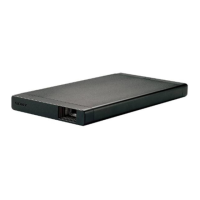
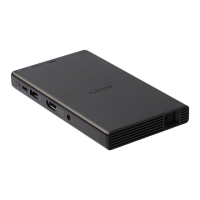
MP-CL1 3-MP0-107-02
Description of the Menu Items
Close Exits the menu.
Input change Selects an input source from HDMI/MHL and screen mirroring
according to the connection method.
Keystone
Keystone
Preset 1/
Preset 2/
OFF
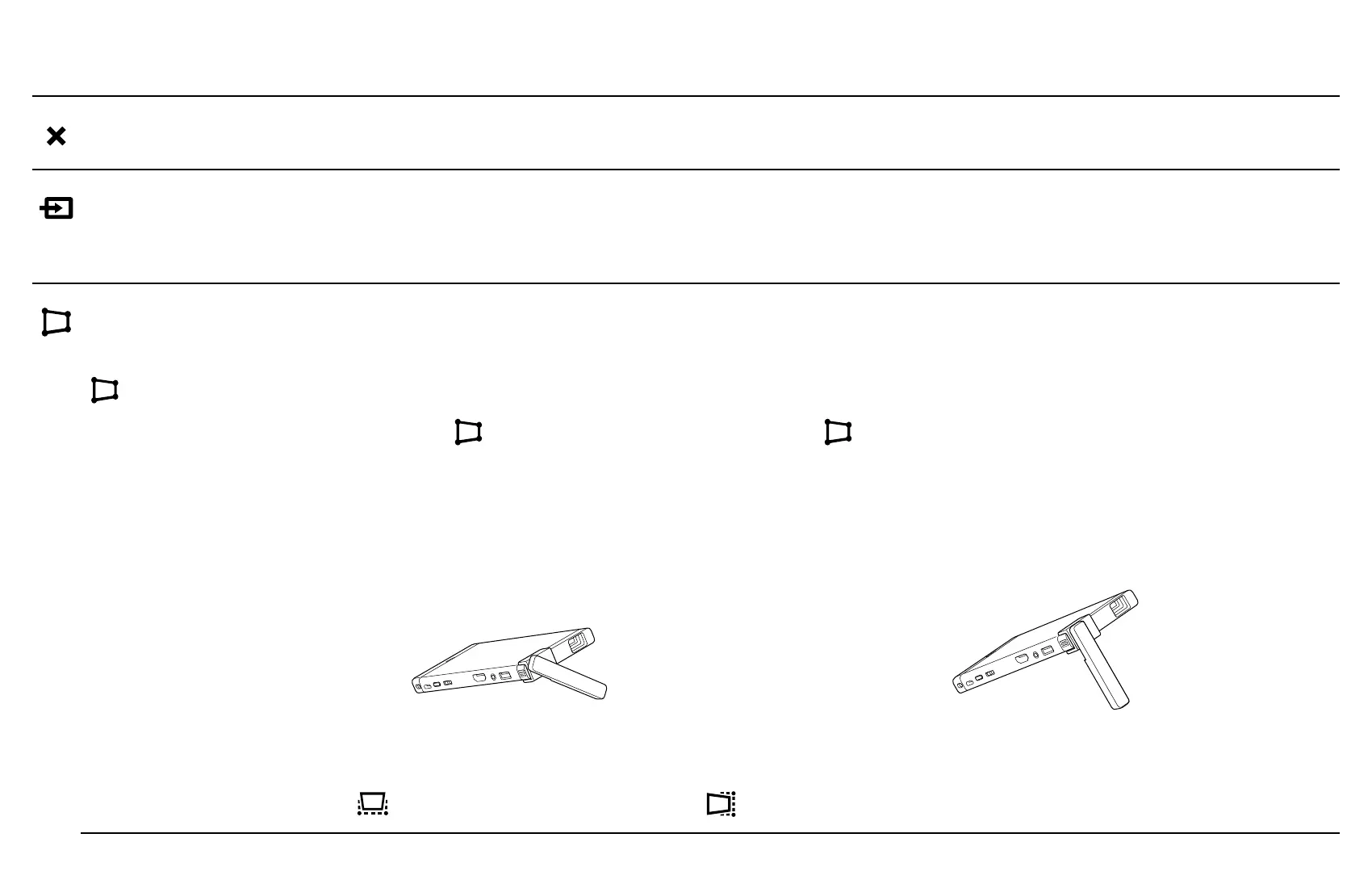
When using the lens cover stand (supplied) on a flat surface,
select [
Keystone Preset 1] or [ Keystone Preset 2] according to
the tilt of the projector.
Preset 1 Preset 2
The preset values can be customized by changing the settings in
[ V keystone] and/or [ H keystone] below.


 To Next Page