19
GB
Getting started
Setting up the wireless
LAN antenna
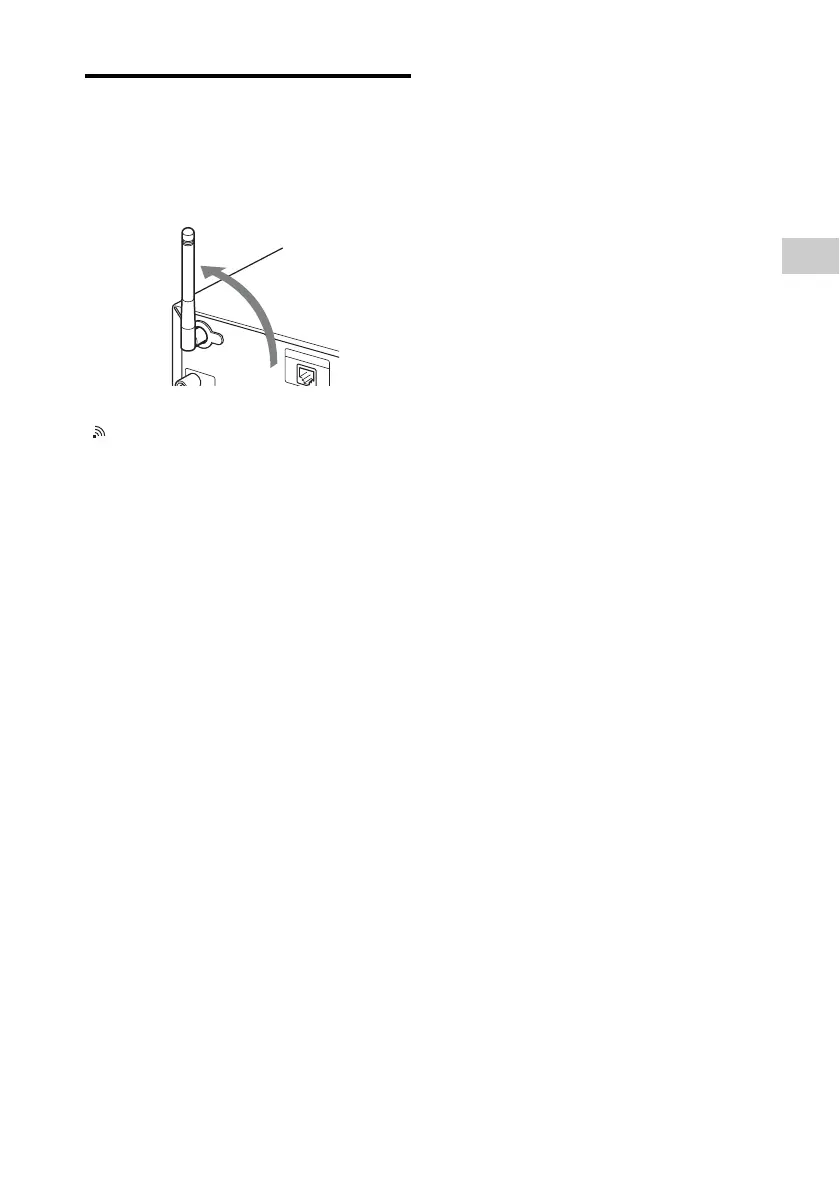
When making a wireless connection, set the
wireless antenna on the back of the unit in the
upright position.
Note on the wireless LAN signal strength indicator
“ ” lights up when the system is turned on and the
wireless LAN connection to the access point is
established. Check the reception status of the wireless
LAN signal. The more segments there are, the stronger the
signal.



 To Next Page