54
GB
Changing the sound settings
Generating a more
dynamic sound (Dynamic
Sound Generator X-tra)
You can reinforce the bass and the treble to create
a more powerful sound. This function is factory set
to “ON.”
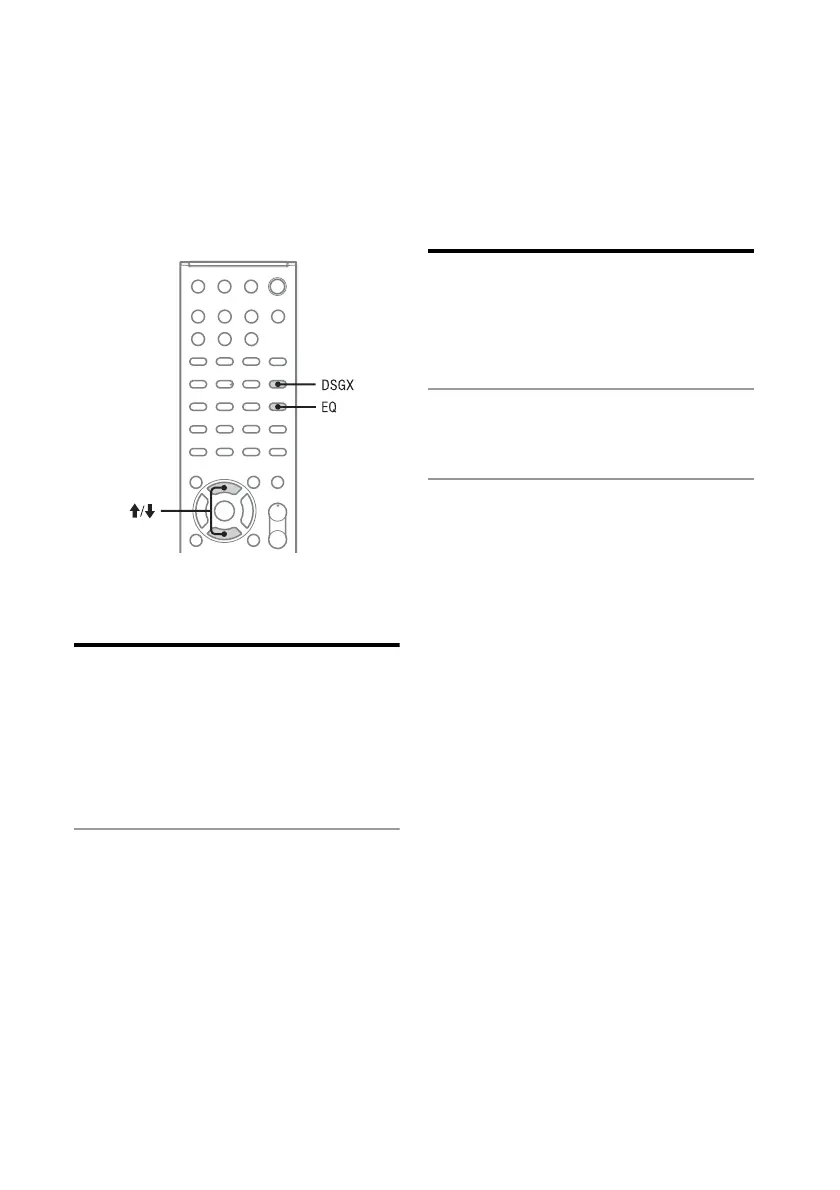
Press DSGX to select “ON.”
The DSGX function turns on.
To cancel the DSGX function
Press DSGX to select “OFF.”
Adjusting the bass and
treble
You can adjust the bass and treble to your
preferences.
1
Press EQ repeatedly to select
“BASS” or “TREBLE.”
2
Press M/m to adjust the level.
The setting display disappears when no
operation is performed for 4 seconds.



 To Next Page