19
MZ-N10
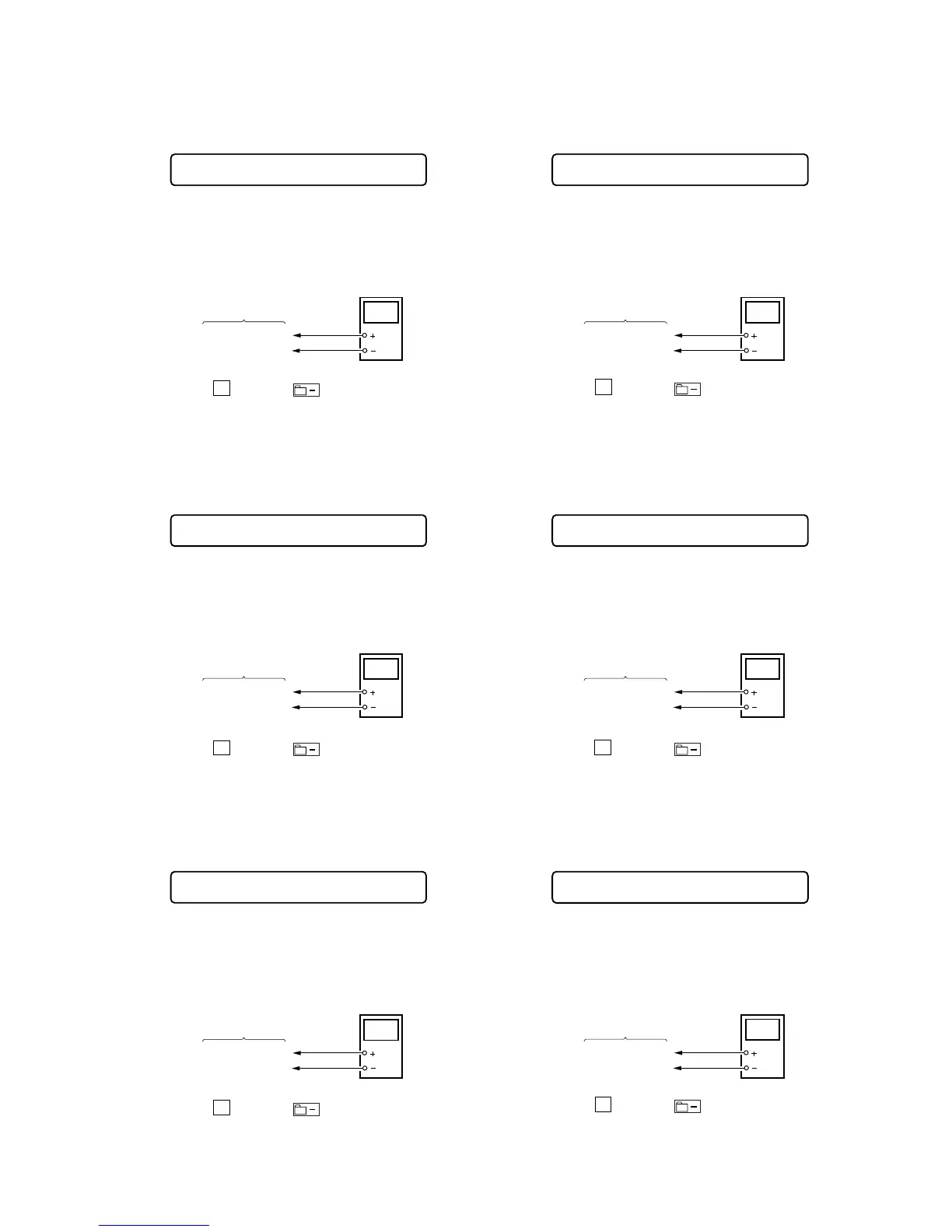
• Adjustment method of REG1
(item number: 745)
1. Connect a digital voltmeter to the
TP1909 (REG1)
on the MAIN
board, and adjust [VOL +] key (voltage up) or [VOL --] key
(voltage down) so that the voltage becomes 2.15 V.
2. Press the
X key or the key on the remote commander
to write the adjusted value.
Adjustment and Connection Location: MAIN board
(see page 21)
• Adjustment method of REG 3 Low (VC2 Low)
(item number: 747)
1. Connect a digital voltmeter to the
TP1907 (REG3)
on the MAIN
board, and adjust [VOL +] key (voltage up) or [VOL --] key
(voltage down) so that the voltage becomes 1.20 V.
2. Press the X key or the key on the remote commander
to write the adjusted value.
Adjustment and Connection Location: MAIN board
(see page 21)
• Adjustment method of REG 3 Low (VC2 High)
(item number: 748)
1. Connect a digital voltmeter to the
TP1907 (REG3)
on the MAIN
board, and adjust [VOL +] key (voltage up) or [VOL --] key
(voltage down) so that the voltage becomes 1.20 V.
2. Press the
X key or the key on the remote commander
to write the adjusted value.
Adjustment and Connection Location: MAIN board
(see page 21)
• Adjustment method of REG 3 High
(item number: 749)
1. Connect a digital voltmeter to the
TP1907 (REG3)
on the MAIN
board, and adjust [VOL +] key (voltage up) or [VOL --] key
(voltage down) so that the voltage becomes 1.35 V.
2. Press the
X key or the key on the remote commander
to write the adjusted value.
Adjustment and Connection Location: MAIN board
(see page 21)
• Adjustment method of VREC_Low
(item number: 751)
1. Connect a digital voltmeter to the
TP1622 (VREC)
on the MAIN
board, and adjust [VOL +] key (voltage up) or [VOL --] key
(voltage down) so that the voltage becomes 1.10 ± 0.015 V.
2. Press the
X key or the key on the remote commander
to write the adjusted value.
Adjustment and Connection Location: MAIN board
(see page 21)
• Adjustment method of VREC_Middle
(item number: 752)
1. Connect a digital voltmeter to the
TP1622 (VREC)
on the MAIN
board, and adjust [VOL +] key (voltage up) or [VOL --] key
(voltage down) so that the voltage becomes 1.24 ± 0.015 V.
2. Press the X key or the key on the remote commander
to write the adjusted value.
Adjustment and Connection Location: MAIN board
(see page 21)
Remote commander LCD display
**
: Adjusted value
REG1 **
745
+ 0.01
– 0.00
digital
voltmete













 To Next Page