20
MZ-N10
• Adjustment method of VREC_High
(item number: 753)
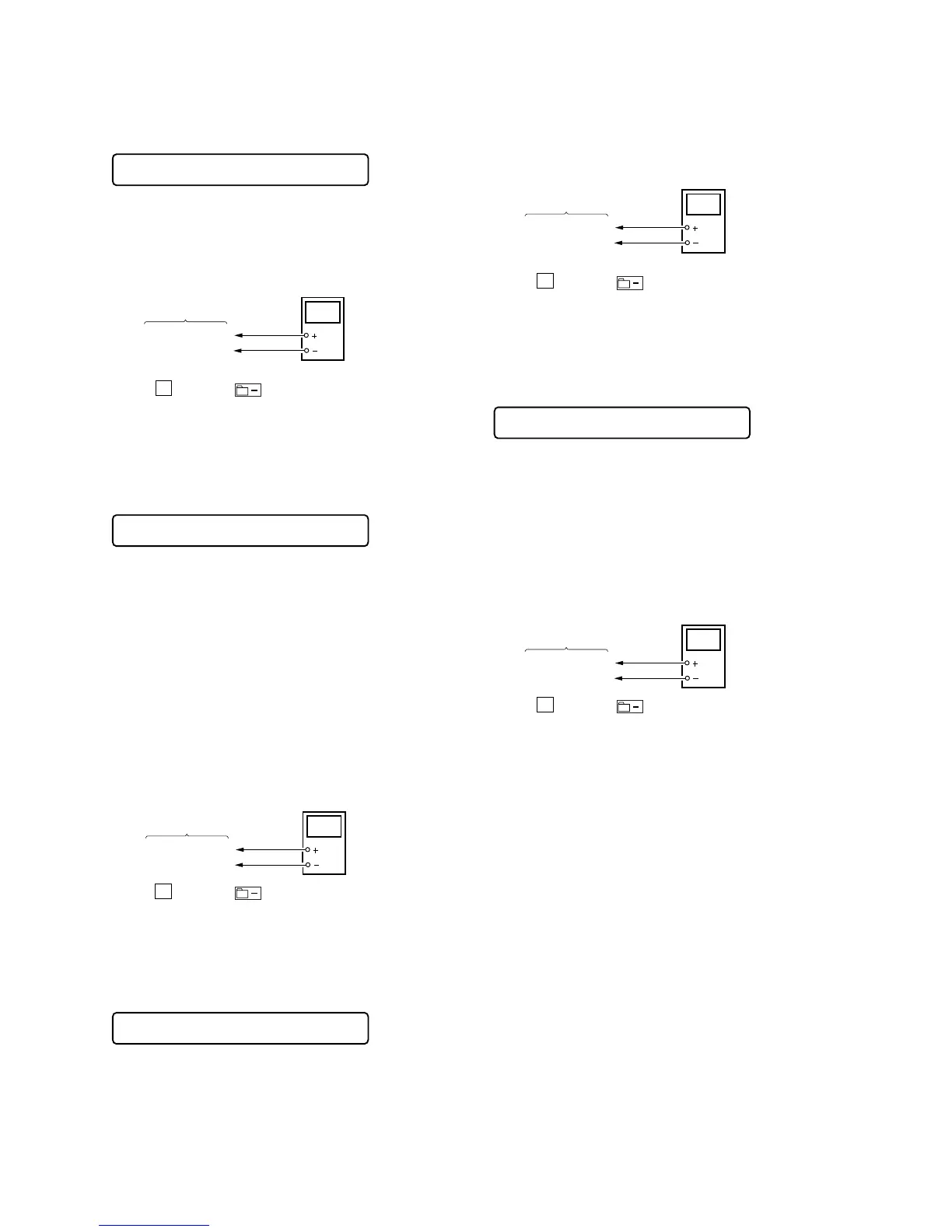
1. Connect a digital voltmeter to the
TP1622 (VREC)
on the MAIN
board, and adjust [VOL +] key (voltage up) or [VOL --] key
(voltage down) so that the voltage becomes 1.54 ± 0.015 V.
2. Press the
X key or the key on the remote commander
to write the adjusted value.
Adjustment and Connection Location: MAIN board
(see page 21)
• Adjustment method of 3.3upc
(item number: 754)
1. Remove the AC adaptor and USB cradle.
2. Turn off the BUILT-IN BATTERY switch.
3. Remove the rechargeable battery from the connector (CN951).
4. Supply dc 3.7V to the battery terminals (TP1952 : +, TP1951
: GND) with a regulated dc power supply.
5. Supply dc 5V to pin 8 (VBUS) of CN952 with a regulated dc
power supply.
6. Turn on the BUILT-IN BATTERY switch.
7. Select the manual mode of the test mode (see page 12), and set
the item number 754.
8. Connect a digital voltmeter to the
TP1623 (3.3upc)
on the MAIN
board, and adjust [VOL +] key (voltage up) or [VOL --] key
(voltage down) so that the voltage becomes 3.30 ± 0.01 V.
9. Press the
X key or the key on the remote commander
to write the adjusted value.
Adjustment and Connection Location: MAIN board
(see page 21)
• Adjustment method of ChgV L
(item number: 755)
Note : Remove the rechargeable battery from the connector
(CN951) and measure the voltage with the BUILT-IN BAT-
TERY switch on. Use AC adaptor (6V) and USB cradle to
supply the power.
1. Connect a digital voltmeter to the TP1952 (ChgV) on the MAIN
board, and adjust
[VOL +] key (voltage up) or [VOL --] key
(voltage down) so that the voltage becomes 3.40 ± 0.024 V.
2. Press the
X key or the key on the remote commander
to write the adjusted value.
Adjustment and Connection Location: MAIN board
(see page 21)
• Adjustment method of ChgV H
(item number: 756)
Note : Remove the rechargeable battery from the connector
(CN951) and measure the voltage with the BUILT-IN BAT-
TERY switch on. Use AC adaptor (6V) and USB cradle to
supply the power.
1. Connect a digital voltmeter to the TP1952 (ChgV) on the MAIN
board, and adjust [VOL +] key (voltage up) or [VOL --] key
(voltage down) so that the voltage becomes 4.20 ± 0.024 V.
2. Press the
X key or the key on the remote commander
to write the adjusted value.
Adjustment and Connection Location: MAIN board
(see page 21)
Remote commander LCD display
**
: Adjusted value
VREC H **
753
digital
voltmete













 To Next Page