GB
13
Triple-dial-control
Settings modes available
What you can set with each Settings mode are described here.
indicates the default setting.
• You can set the exposure compensation by turning the control dial R when [Anti
Motion Blur], [Sweep Panorama], or [3D Sweep Panorama] is selected.
Exposure Settings
Shooting mode Control dial L Control dial R Control wheel
Manual Exposure Shutter speed Aperture ISO
Shutter Priority Shutter speed Exposure
compensation
ISO
Aperture Priority Aperture Exposure
compensation
ISO
Program Auto Program shift Exposure
compensation
ISO
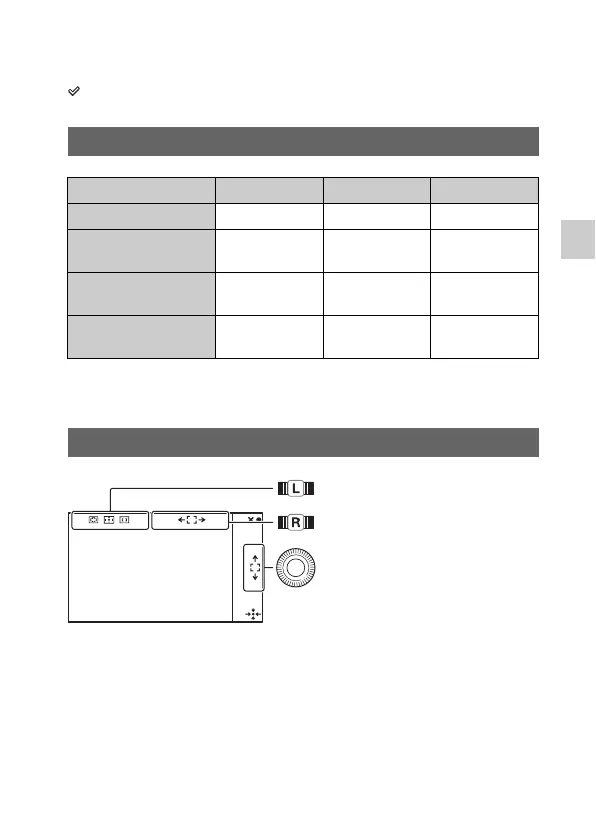
Focus Settings (AF mode)
Set [Autofocus Area].
In [Flexible Spot], move the area
right or left.
In [Flexible Spot], turn it to move
the area up or down, and press
the top/bottom/right/left to finely
adjust the area.



 To Next Page
 Loading...








