GB
30
Menu list
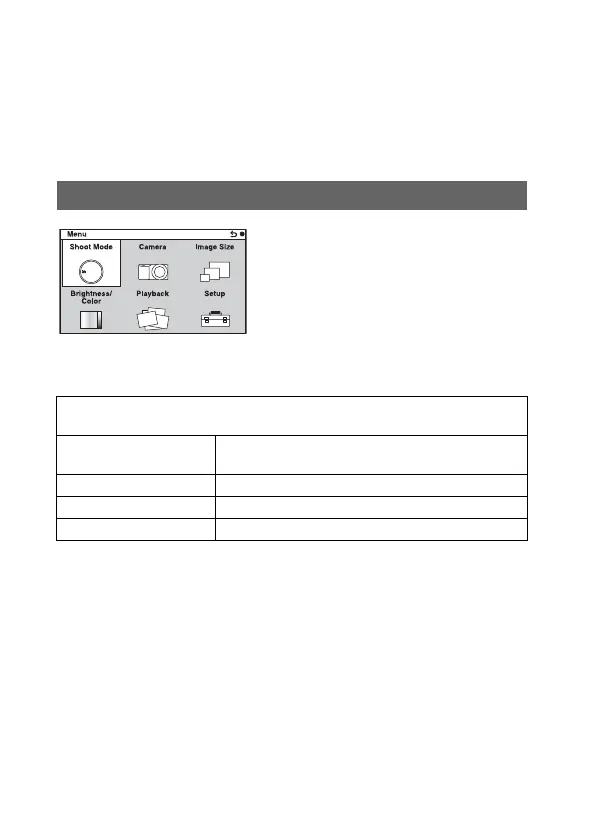
You can select and use various functions from the menu.
When you press MENU, 6 menu items; [Shoot Mode], [Camera], [Image
Size], [Brightness/Color], [Playback], and [Setup], appear on the screen.
You can set various functions in each item. Items that cannot be set in the
context are displayed in gray.
Allows you to select a shooting mode, such as exposure mode, panoramic,
Scene Selection.
Shoot Mode
Intelligent Auto/Manual Exposure/Shutter Priority/Aperture Priority/Program
Auto
Scene Selection Portrait/Landscape/Macro/Sports Action/Sunset/Night
Portrait/Night Scene/Hand-held Twilight
Anti Motion Blur See page 40.
Sweep Panorama See page 39.
3D Sweep Panorama See page 39.



 To Next Page
 Loading...








