GB
22
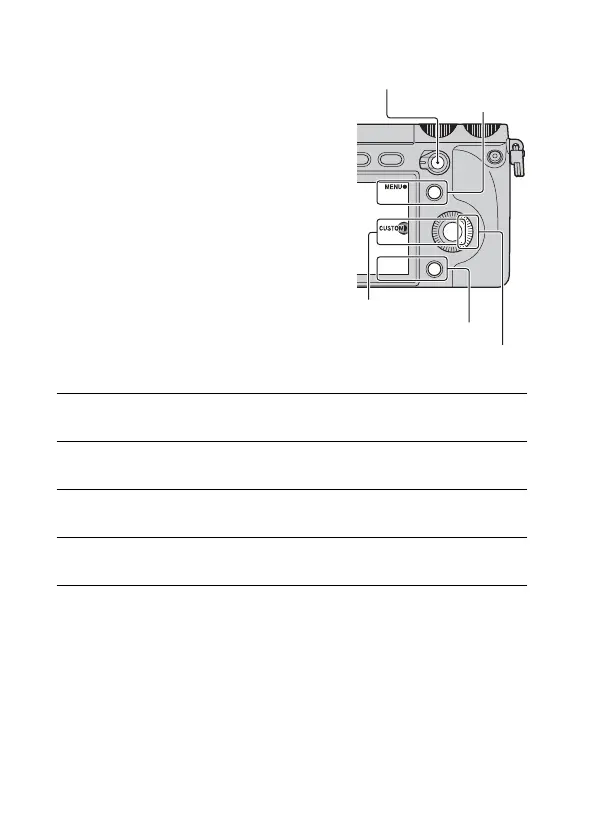
Assigning the functions to the custom keys
You can assign the functions you use
frequently to the right key of the control
wheel, soft key C, soft key B and AF/
MF button.
Right key
1
Select MENU.
2
Select [Setup] t [Custom Key Settings].
3
Select the function to be assigned.
4
Press the key to call up the function assigned to the key.
MENU
Soft key C
Soft key B
AF/MF button



 To Next Page
 Loading...








