GB
24
You can set this item when you set [Soft key C Setting] to [Custom].
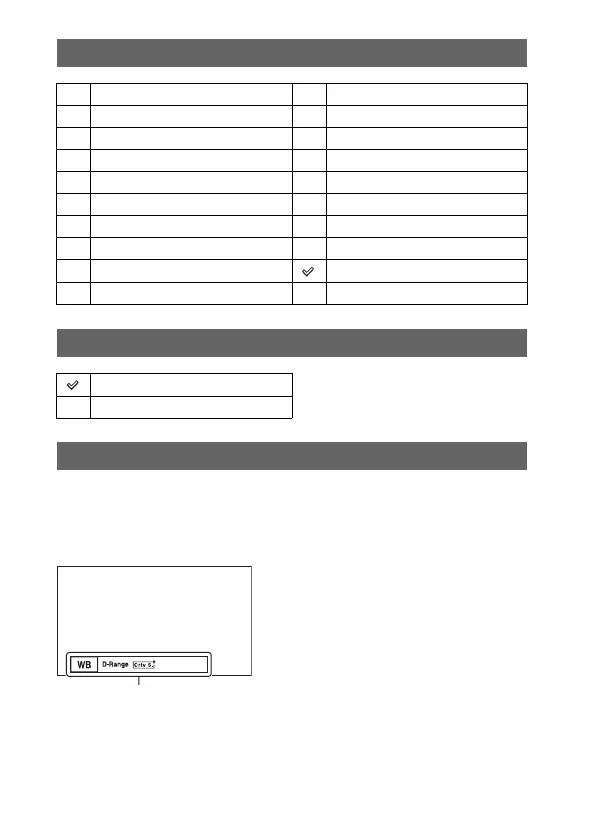
The selected items are displayed at the bottom of the screen, when you select
CUSTOM with soft key C (the center of the control wheel).
Select the desired item by pressing the right/left of the control wheel.
Soft key B Setting
Shoot Mode White Balance
AF/MF Select Metering Mode
Autofocus Mode DRO/Auto HDR
Autofocus Area Picture Effect
Precision Dig. Zoom Creative Style
Face Detection Flash Mode
Smile Shutter Flash Compensation
Soft Skin Effect MF Assist
Quality Focus Settings
ISO Not set
Soft key C Setting
Shoot Mode
Custom
[Custom] of [Soft key C Setting]
Custom items (Custom 1 to 5)



 To Next Page
 Loading...








