49
Name and Function of Parts
ODS-L60E
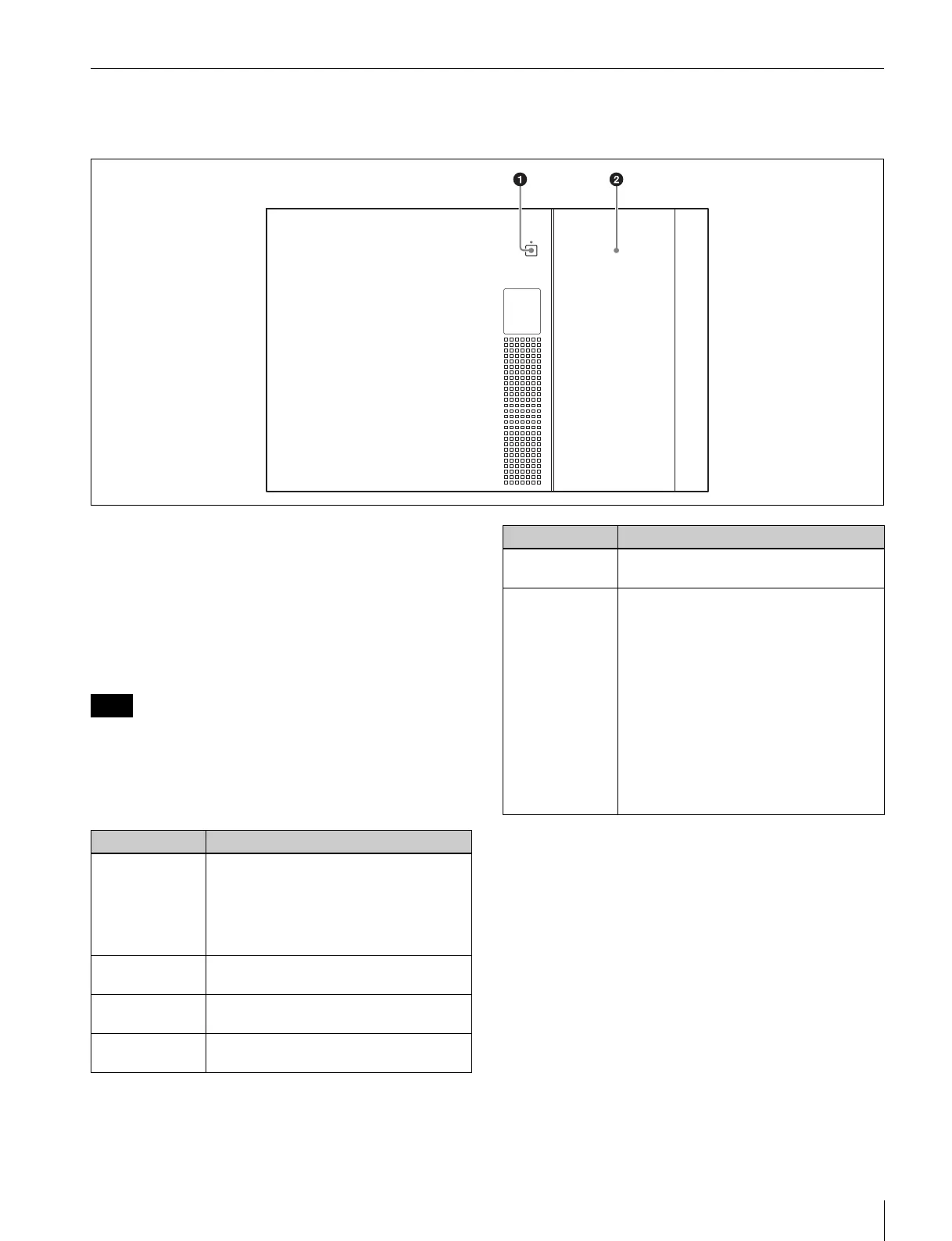
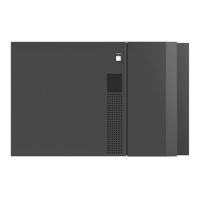
Front panel
a I/E STATION button and indicator
Releases the I/E station’s lock. The lock can be released
when the indicator is lit green or orange. The indicator
starts blinking orange when the lock is released.
If the I/E station is not opened within ten seconds after
releasing the lock, the I/E station is automatically relocked.
If the I/E station remains open for longer than three
minutes, the indicator blinks red.
You can select whether the I/E station of each unit is used
as an I/E slot for importing/exporting cartridges or as a
storage slot (importing/exporting of cartridges is disabled).
The I/E station lock cannot be released on units where the
I/E station is used as a storage slot.
b I/E station door
Note
Indicator Meaning
Off Lock cannot be released under the
following circumstances.
• When the I/E station is locked from an
application.
• When the I/E station is used as a
storage slot.
Green (blinking) Lock cannot be released because the I/E
station is currently being accessed.
Green Lock can be released. There is a
cartridge in the I/E station.
Orange Lock can be released. There is no
cartridge in the I/E station.
Orange
(blinking)
Lock is released.
Red (blinking) A problem occurred in the I/E station.
One of the following messages appears
on the display.
• CLOSE I/E STATION: I/E station was
left open for over three minutes.
• I/E STATION LOCKED: Lock cannot be
released because a button was
pressed while the indicator was Off or
blinking.
• I/E STATION OPENED: An I/E slot
movement was requested while the I/E
station was open.
* A message does not appear on the
display during menu operation.
Indicator Meaning


 To Next Page