52
Name and Function of Parts
q Cable clamper
ODS-L100E
Front panel
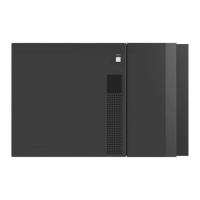
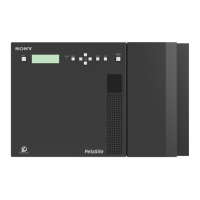
This is identical to the front panel of the ODS-L60E (see
page 49).
Rear panel
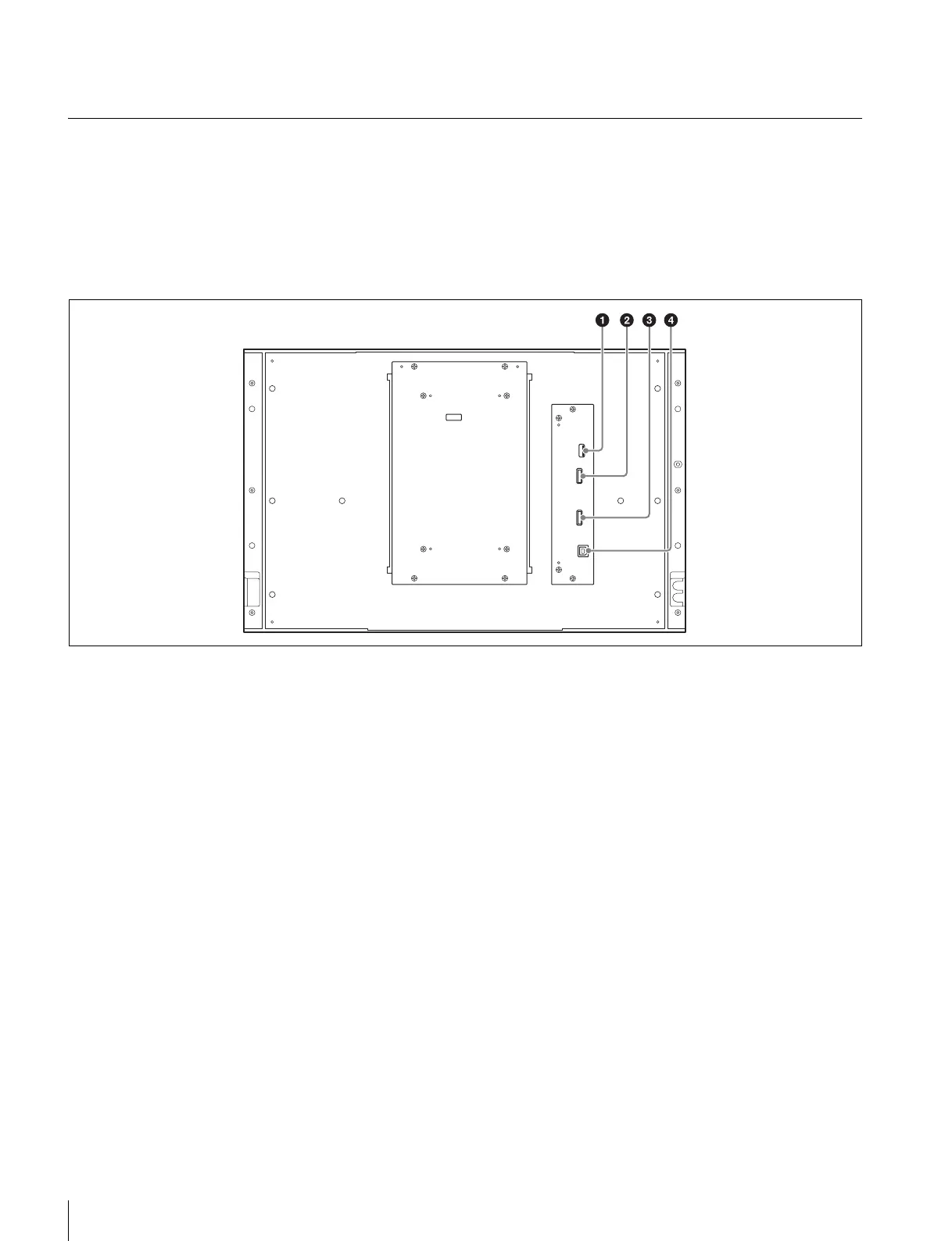
a OUT 1 (unit interconnection) connector
Connect to the IN 1 connector of the master unit
(ODS-L30M) or another extension unit (ODS-L60E/
L100E) using unit interconnection cable 1 (supplied with
the extension unit).
b OUT 2 (unit interconnection) connector
Connect to the IN 2 connector of the master unit
(ODS-L30M) or another extension unit (ODS-L60E/
L100E) using unit interconnection cable 2 (supplied with
the extension unit).
c IN 2 (unit interconnection) connector
Connect to the OUT 2 connector of the master unit
(ODS-L30M) or another extension unit (ODS-L60E/
L100E) using unit interconnection cable 2 (supplied with
the extension unit).
d OUT 1 (unit interconnection) connector
Connect to the OUT 1 connector of the master unit
(ODS-L30M) or another extension unit (ODS-L60E/
L100E) using unit interconnection cable 1 (supplied with
the extension unit).


 To Next Page