VAIO Digital Studio Computer Quick Start
22
Turning On Your Computer
When you start your system for the first time, your computer may detect new
equipment and display a dialog box that prompts you to restart your computer.
Respond to this prompt immediately.
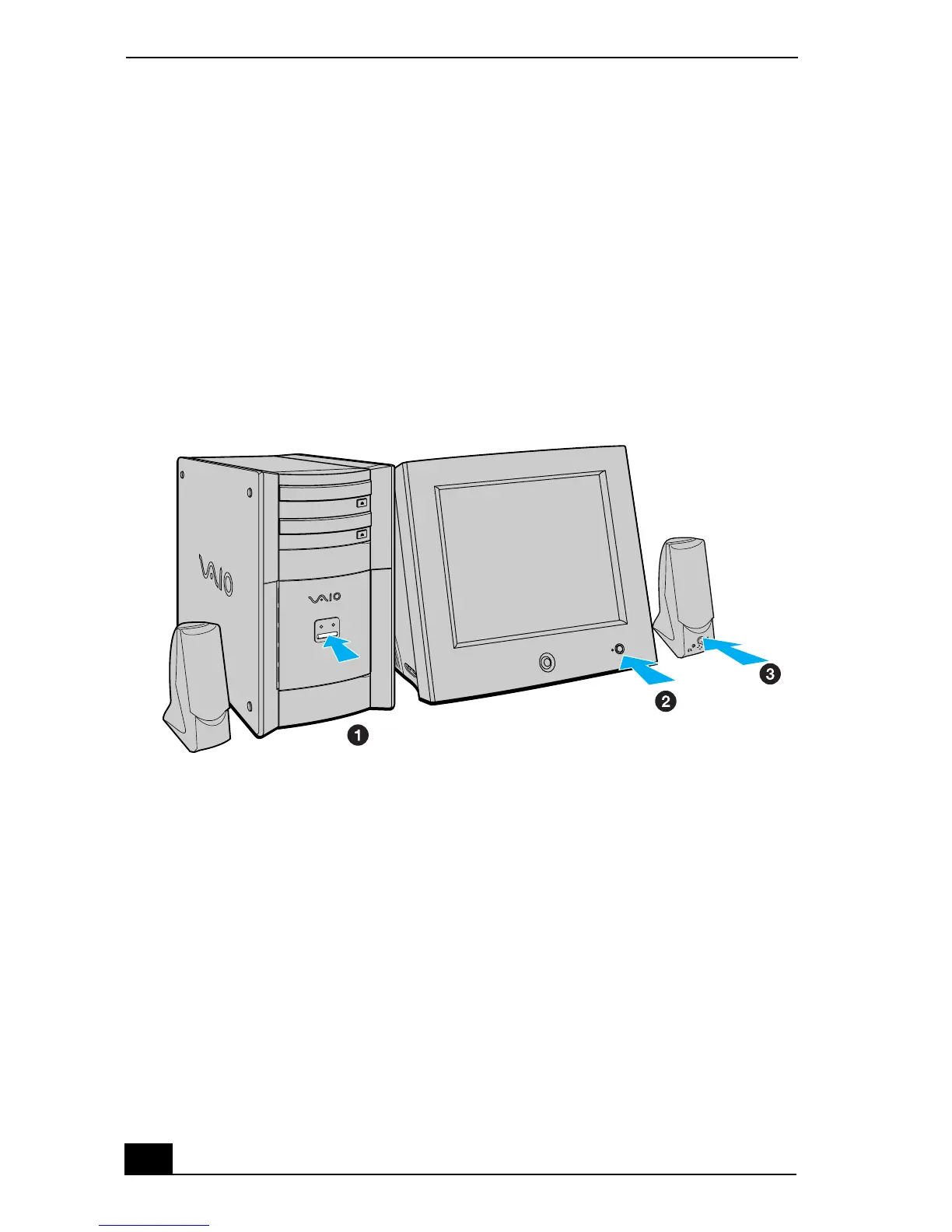
1 Press the power switch on the computer to turn on the power.
2 Press the power switch on the display to turn on the power.
3 Press the power switch on the right speaker to turn on the power.
To turn on your computer







 To Next Page