249
Settings
US
Network Settings
You can adjust the network settings to allow connection to a wireless local area
network (WLAN). There are two WLAN modes.
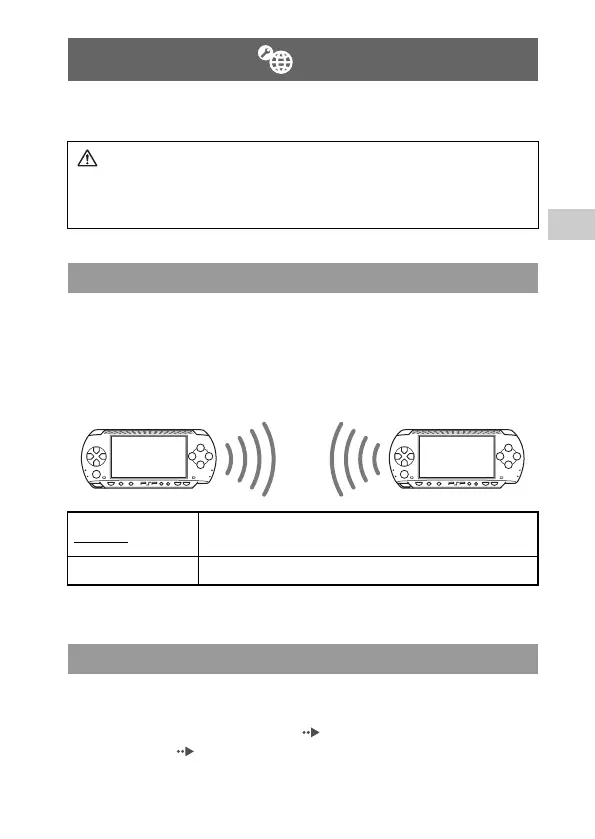
In this mode, you can communicate directly with other PSP
® systems. To
establish a connection in ad hoc mode, both PSP
® systems must either be set to
"Automatic" or to the same channel. For details, refer to the instructions
supplied with the ad hoc mode-compatible software.
The default setting for the menu item is underlined.
In this mode, you can connect the PSP® system to a network using an access
point.
This is used to connect to the Internet ( page 228) or for features such as
Network Update ( page 256).
Network Settings
Warning
Turn off the WLAN switch when in crowded places, such as in a crowded
train. If a person nearby is using a pacemaker, it is possible that the radio
waves could affect the pacemaker.
Ad Hoc Mode
Automatic
Automatically switches to the optimum channel for
communication
Ch 1, Ch 6 or Ch 11 Communicates using the specified channel
Infrastructure mode
Communication with other PSP®
systems over a WLAN













 To Next Page