231
Settings
US
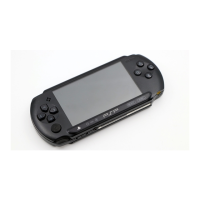
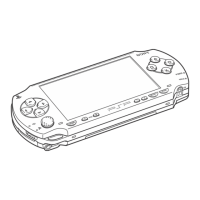
Settings for the PSP® system
You can adjust the settings for the PSP® system as well as settings for features,
such as video, photo and network.
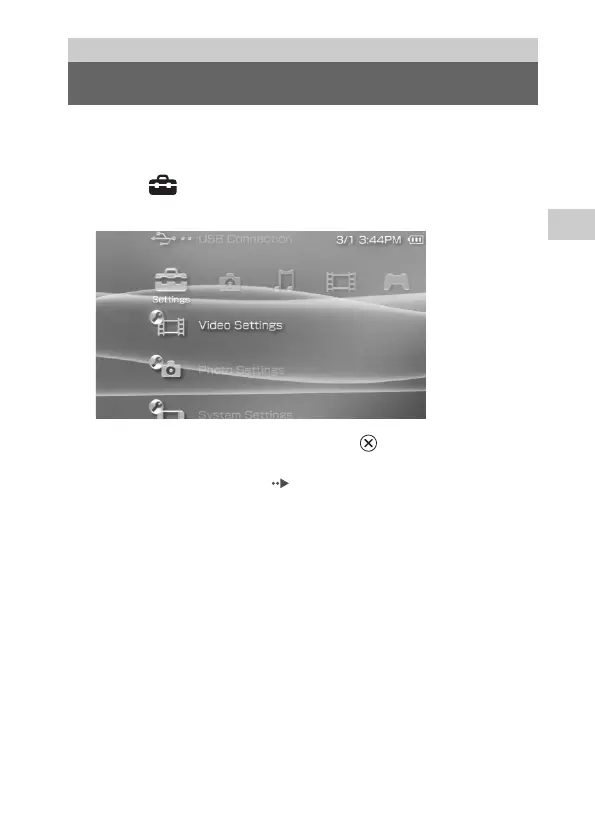
1 Select from the home menu.
Icons for various settings are displayed.
2 Select an icon, and then press the button.
A setting screen for the selected icon is displayed. For details, see the
instructions for each setting ( pages 232-258).
Settings
Settings for the PSP® system








 To Next Page