PSP-E1008 4-294-406-61(1) GB/RU
26
Downloading games
Downloading games
Using Media Go, you can download (purchase) games
from PlayStation®Store. To use PlayStation®Store, you
need to connect your PC to the Internet.
Media Go download
mediago.sony.com/
What is Media Go?
Media Go is a PC application that you can use to do the
following:
Download (purchase) games from PlayStation
®Store
Import tracks from an audio CD
Manage music, photo and video files
Transfer content (Media Go
PSP® system)
Back up game data and saved data
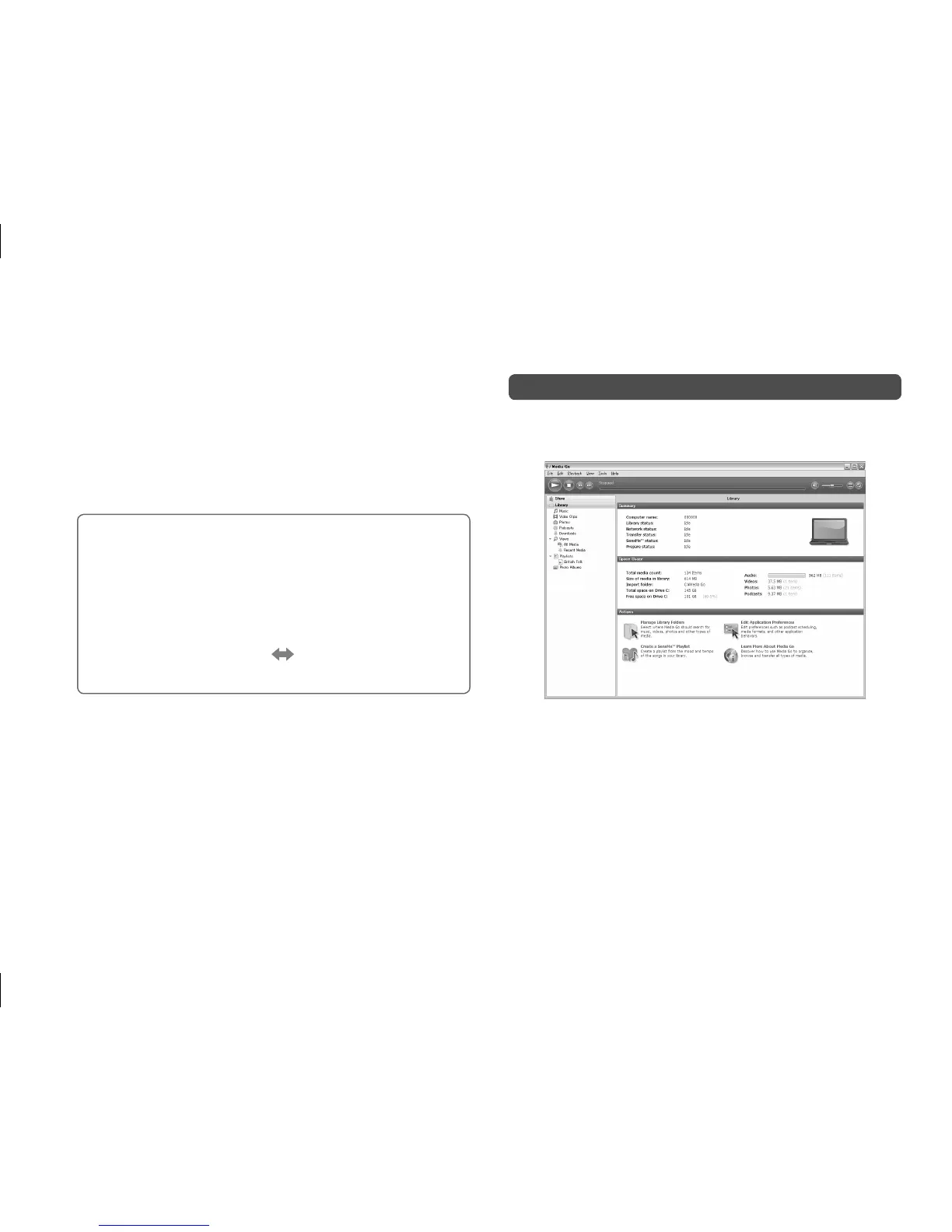
To access PlayStation®Store
Click [Store] in the library navigation pane located on the
left side of the Media Go window on your PC.
Steps to
To down



 To Next Page