Reading Books
104
Table of Contents
Adjusting the brightness and contrast
A page that is hard to read, such as a scanned or color-
converted document, can be made more readable by
adjusting the brightness and contrast. This mode
remains active as you continue reading. The setting
applies only to the currently open book.
1 When viewing a book, press the (Menu)
button
tap [Customize View]
[Adjust View].
2 Choose from one of the following options.
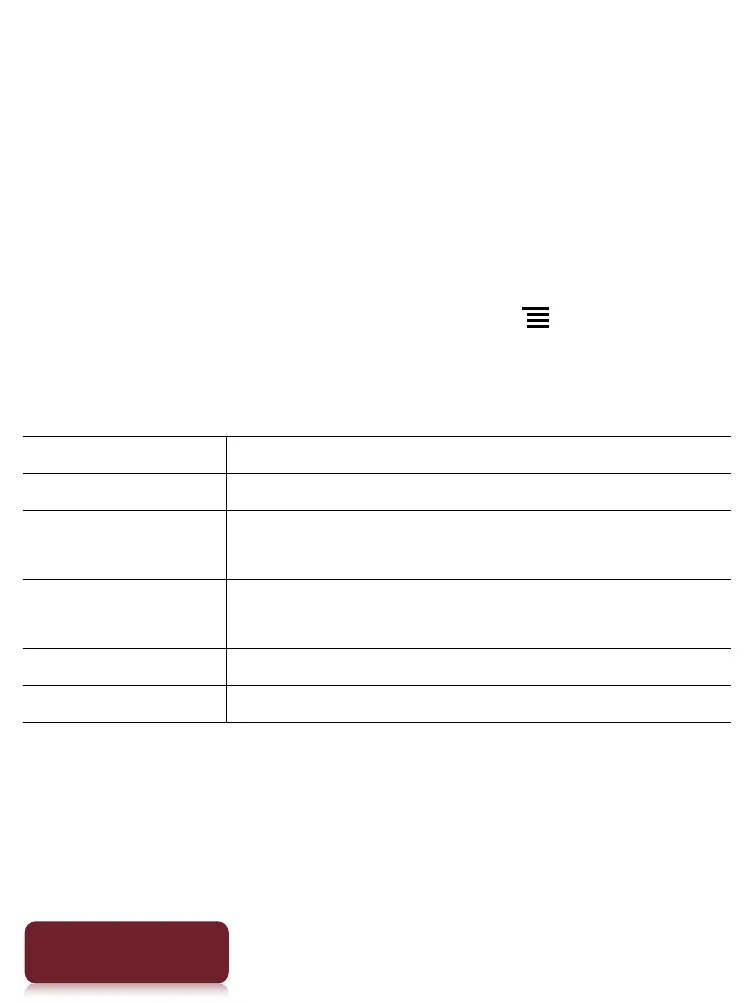
Option Description
[Original] Displays the page in the original quality.
[Saturated] Improves readability by emphasizing
contrast.
[Details] Backlight compensation; brings up details
in a dark area.
[Brighter] Increases the brightness.
[Darker] Decreases the brightness.













 To Next Page