Other Information
221
Table of Contents
Troubleshooting
Troubleshooting Tips
Troubleshooting tips may help you quickly resolve
technical issues.
1 Charge the Reader completely.
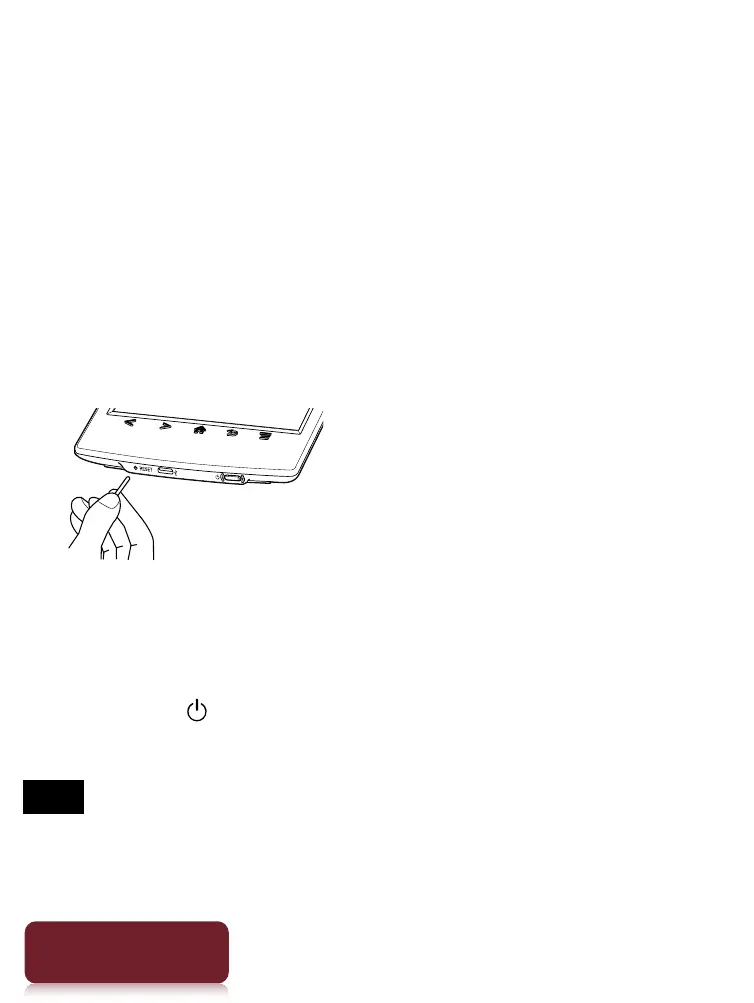
2 Reset the Reader.
Press the RESET button with a small pin or clip.
The screen will freeze; the Reader will not restart
automatically.
Press the (Power) button, and the startup screen
appears.
Note
The bookmarks, highlights, handwritten notes or the
setting information may be deleted by resetting.
Do not push the RESET button with a breakable point, such
Other Information













 To Next Page