Turning the Power On/Off
43
Table of Contents
Turning the Power On/Off
Turning the Power On/Off
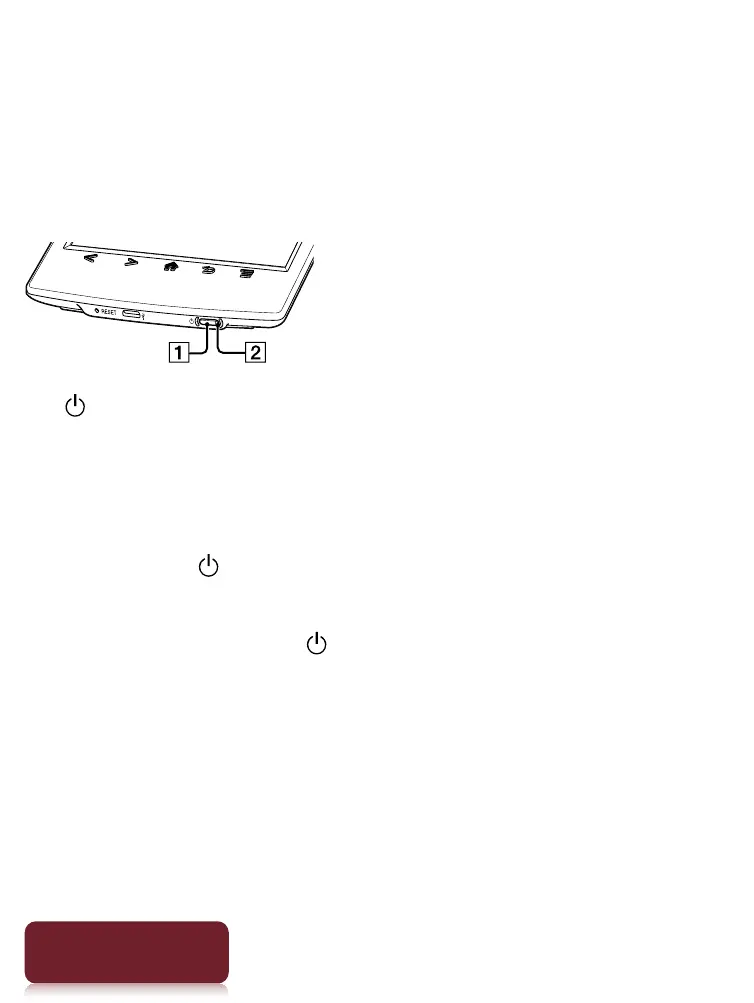
(Power) button
Charge/Busy indicator
Turning on the power
1 Press the (Power) button.
If the battery is completely depleted, power will not
be supplied to the (Power) button, and you may
not be able to turn on the Reader. In this case, the
Charge/Busy indicator may blink red 3 times.
Connect the Reader to your computer via the
supplied USB cable; the Reader will automatically
turn on immediately. Wait until the Reader turns on
before trying to operate it.













 To Next Page