Reading Books
114
Table of Contents
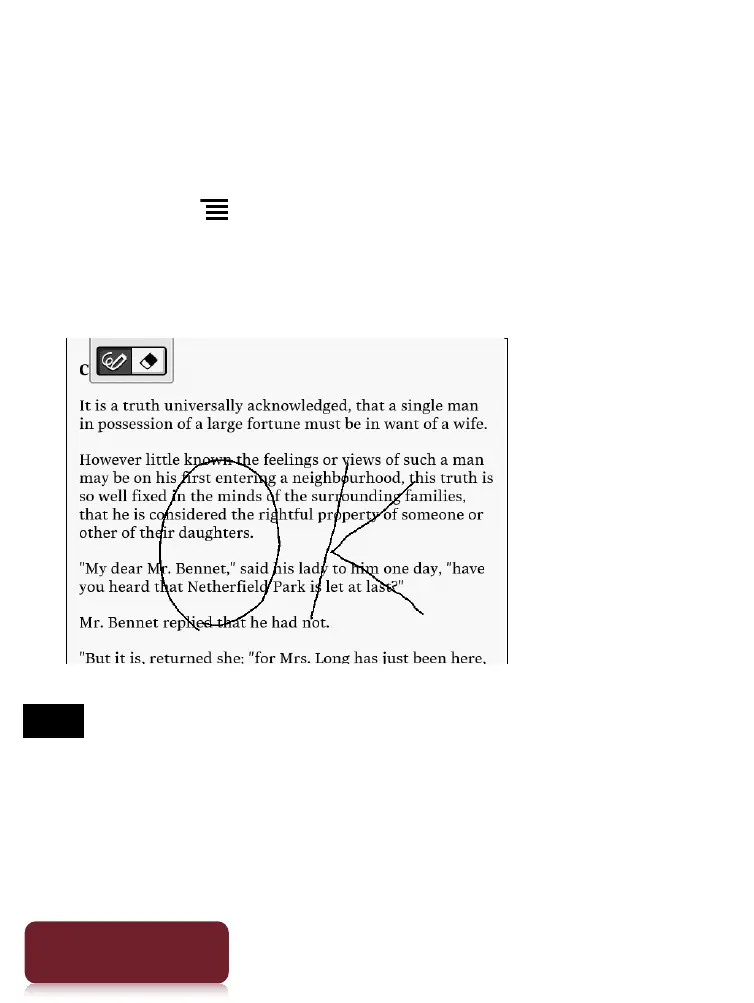
Handwriting a note on a page
You can use the stylus or your finger and draw directly
on a page.
1 Press the (Menu) button.
2 Tap [Handwriting] and use the stylus or your
finger to draw a line.
Note
While writing, make sure that you are not touching another
area on the touchscreen; this could affect the notes that
you write with the stylus or your finger.
To ensure that your notes are correctly saved, do not
handwrite notes too close to the edge of the touchscreen.













 To Next Page