Reading Books
122
Table of Contents
Uploading Highlighted Words on a
Page to Evernote
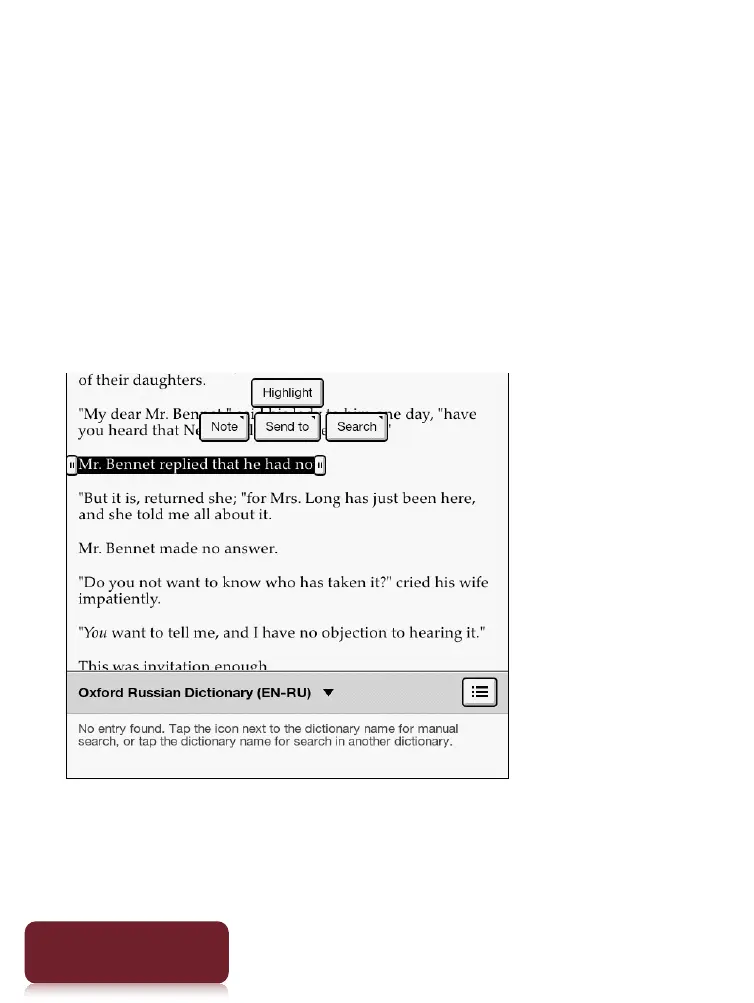
You can upload highlighted words and take notes to
Evernote.
1 Tap and hold the first word and drag to the last
word of the section you would like to upload.
The pop-up menu appears.
2 Tap [Send to] [Evernote]
The selected words are now uploaded.













 To Next Page