Reading Books
128
Table of Contents
Finding Pages with a Keyword
You can find pages that contain specific words using a
keyword search.
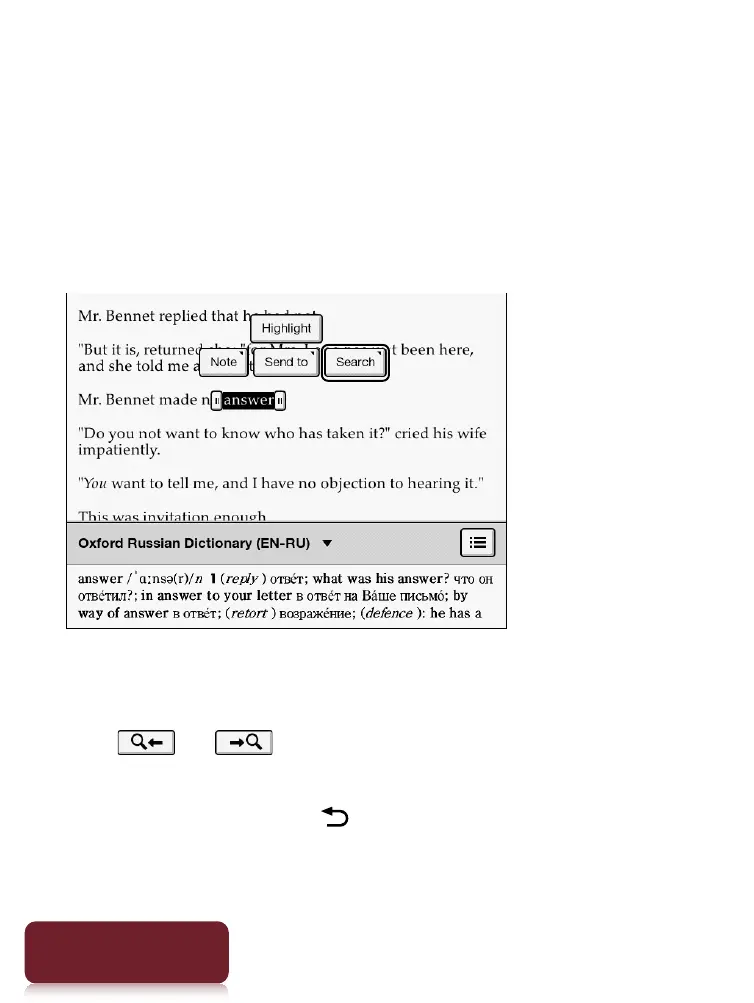
1 Tap and hold a word, and tap [Search]
[in This
Book] in the pop-up menu.
2 A page that includes the keyword for which
you searched is displayed.
Tap or to display to the previous/next
page that contains the selected keyword.
To cancel, press the (Back) button.













 To Next Page