Using Collections
140
Table of Contents
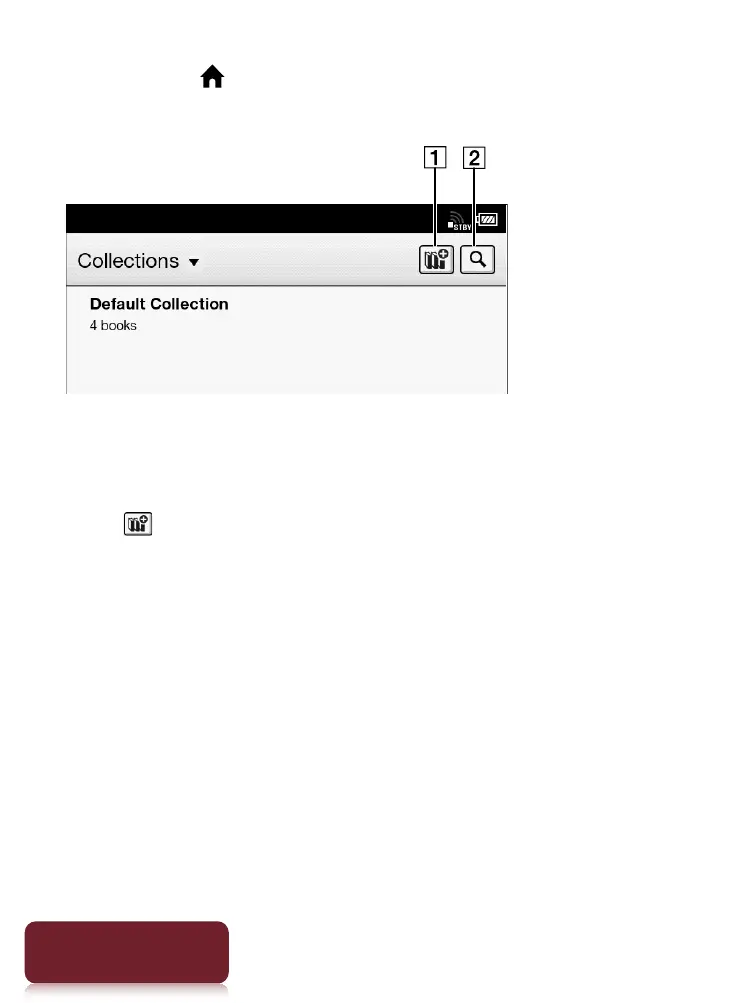
1 Press the (Home) button
tap [Bookshelves]
[Collections].
Create a new collection
Search by collection name
2 Tap .
3 Enter a collection name using the on-screen
keyboard and tap [OK].
4 Select the location to store the collection.
A new collection is added to the [Collections] list.
Tip
You can also create and sync collections with the Reader
software. For details, refer to the [Help] menu of the Reader
software.













 To Next Page