Wireless Connectivity
20
Table of Contents
Case B: A WPS-compatible Wi-Fi router with PIN input
If your WPS-compatible Wi-Fi router does not support
push-button configuration, connect by using a PIN
(Personal Identification Number). Make sure to turn on
[Wi-Fi] and tap [Wi-Fi Settings] on the [Wireless
Network Settings] screen. Alternatively, you can turn
on [Wi-Fi] by tapping the status bar and tapping [Wi-Fi
Settings].
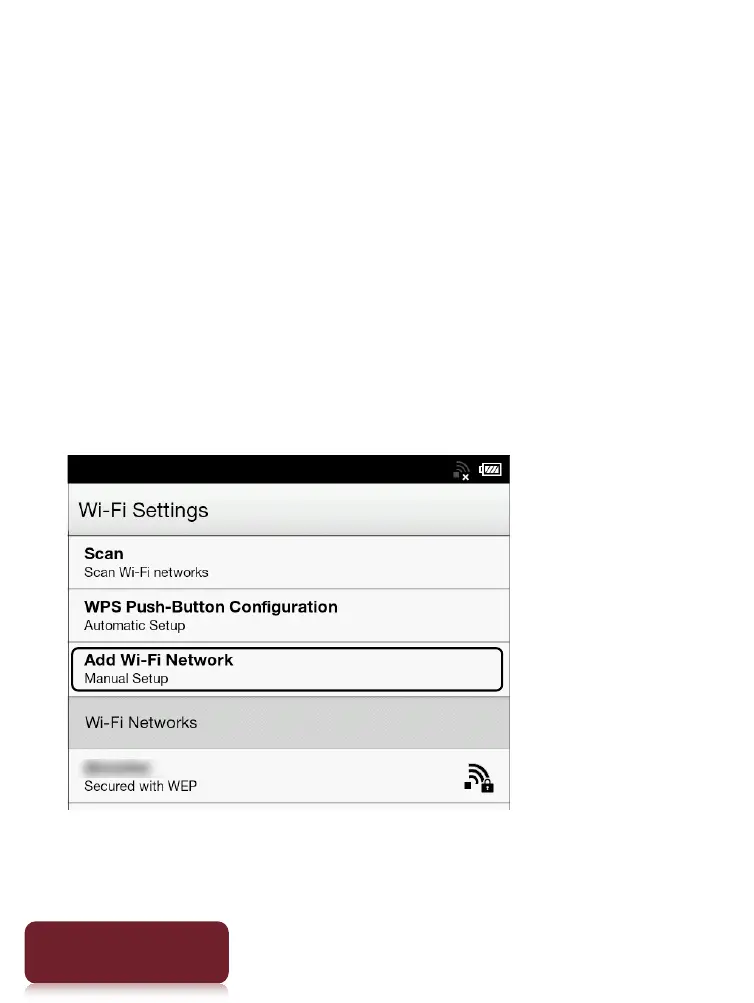
1 Tap [Add Wi-Fi Network]
[WPS PIN Method]
[Start].
A PIN will be shown on the screen of the Reader.
Enter the PIN into your Wi-Fi router.













 To Next Page