Wireless Connectivity
22
Table of Contents
Case C: Connecting to a Wi-Fi router without WPS
support
Make sure to turn on [Wi-Fi] and tap [Wi-Fi Settings] on
the [Wireless Network Settings] screen. Alternatively,
you can turn on [Wi-Fi] by tapping the status bar and
tapping [Wi-Fi Settings].
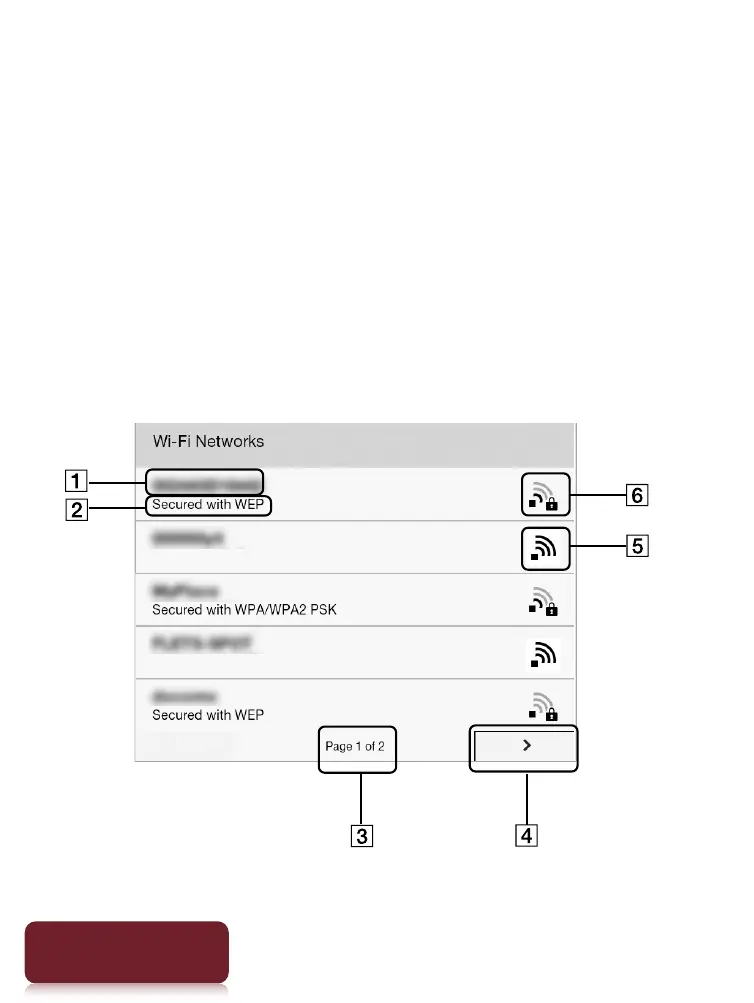
1 Tap [Scan].
The available access points are listed under [Wi-Fi
Networks].













 To Next Page