Wireless Connectivity
28
Table of Contents
Manually setting a Wi-Fi connection
You can set up a Wi-Fi network connection manually
by inputting the required information for connection.
Make sure to turn on [Wi-Fi] and tap [Wi-Fi Settings] on
the [Wireless Network Settings] screen. Alternatively,
you can turn on [Wi-Fi] by tapping the status bar and
tapping [Wi-Fi Settings].
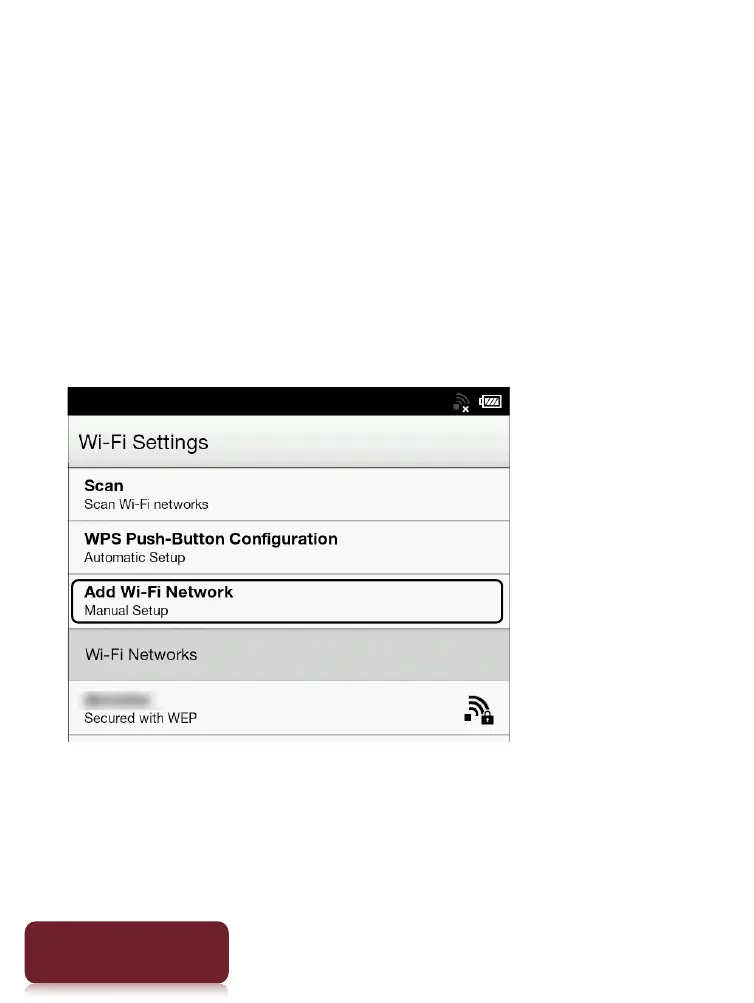
1 Tap [Add Wi-Fi Network].
2 Tap [Manual Registration].
3 Tap the [SSID] input area and type in using the
on-screen keyboard.













 To Next Page