[Home] Screen
68
Table of Contents
Swipe and hold
To turn multiple pages continuously, swipe and hold
your finger on the screen. Release your finger to stop.
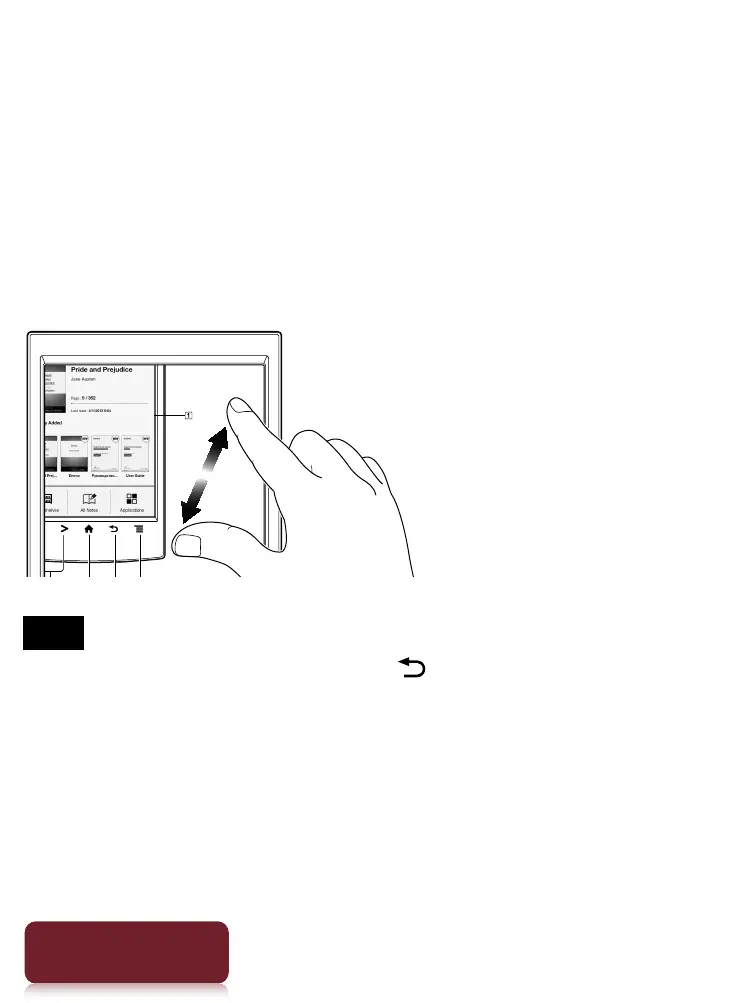
Pinch
Pinch your fingers in or out to zoom in or out of the
current page or image.
Note
To exit zoom mode, press the (Back) button.
Drag
Touch and drag your finger to reposition a zoomed-in
page or image. The page or image is repositioned after
you release your finger.













 To Next Page