[Home] Screen
70
Table of Contents
Shift key/[ALT]
[?123]/[ABC]
Space
(Search icon)/ (Line feed icon)/[Go]
Backspace
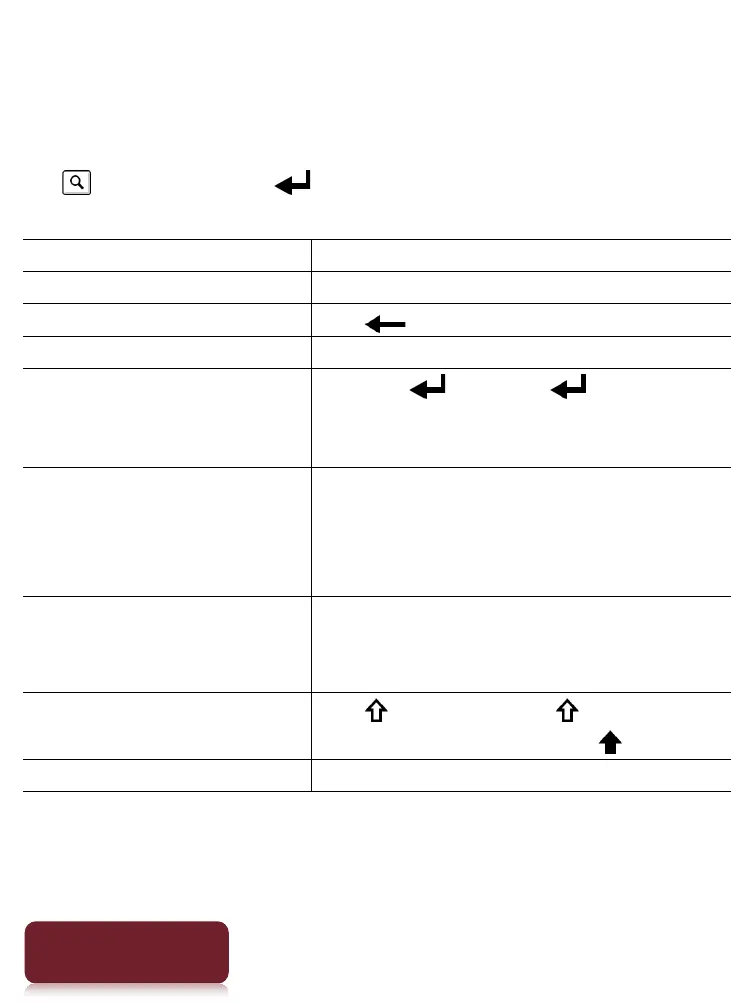
To Do this
Input text
Tap the input area.
Delete a character Tap .
Finish typing Tap [Go]/[Done].
Insert line feed
Tap the key. The key is
enabled only when multi-line
input is available.
Switch the keyboard
type
Tap [?123] to display the symbol
keyboard. Tap [ALT] to switch to
additional characters. Tap [ABC] to
return to the alphabetical keys.
Switch between
QWERTY input and
Cyrillic character input
Tap and hold [?123]/[ABC].
Capitalize a single letter
Tap . Tap and hold to activate
caps lock. To cancel, tap again.
Enter a space Tap the space key.













 To Next Page