Reading Books
97
Table of Contents
Note
The orientation can be changed for the [Books], [Browser]
and [Pictures] applications. Changing the orientation in
one application does not affect the orientation setting of
the other applications.
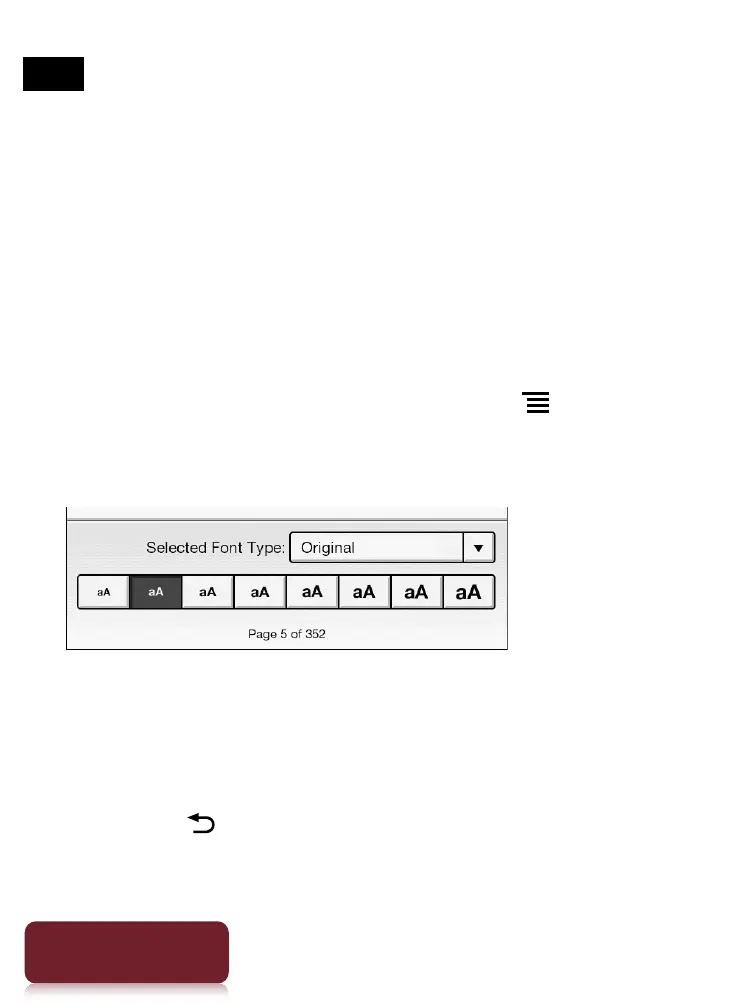
Changing the font and font size
You can change the font and font size to your
preference.
1 When viewing a book, press the (Menu)
button
tap [Font].
The font bar is displayed.
2 To change the font size, tap on one of the font
size icons. The book will be updated to apply
the specified font size.
Press the (Back) button when done.













 To Next Page