54
COMPO
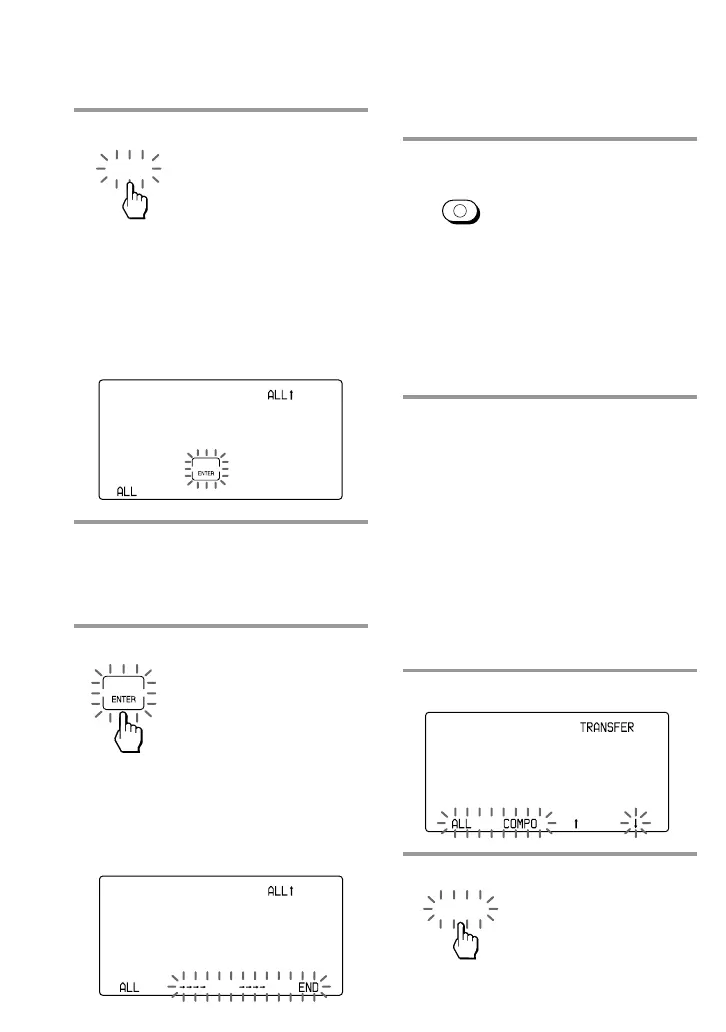
7 Press the ALL key.
ALL: All data of the Commander
COMPO: Data of a Component
Select button or a Label key
“ALL X” appears on the Mode
Display key, and “ALL” appears on
the left Label key.
8 Confirm that the receiving
Commander is ready for data.
(To set the receiving commander,
follow the procedure on page 56.)
9 Press the “ENTER” key.
During transferring the data,
“
c
c
c
c
c
c
c
c
” flashes.
When the all data has been
successfully transferred, “END”
appears on the right Label key.
Note
If “NG” appears while sending the data, go
back to Step 5 and continue the operation
or press COMMANDER OFF to stop the
operation.
10 Press COMMANDER OFF.
If you keep COMMANDER OFF
pressed for more than 2 seconds
The Commander turns off.
If you keep COMMANDER OFF
pressed for less than 2 seconds
The Commander returns to the
previous setting mode.
Note
Be sure that the receiving Commander is ready
to receive data.
To transfer the data of a
Component Select button or a
Label key
The data of a Component Select button or
a Label key on this Commander (the
settings and learned signals programmed
on the keys and buttons) can be
transferred to a Component Select button
or key on another Sony RM-AV3000T.
1 Follow Steps 1 to 6 on page 53.
2 Press the COMPO key.
ALL
COMMANDER
OFF
Transferring Data between
Commanders (continued)



 To Next Page