14
6
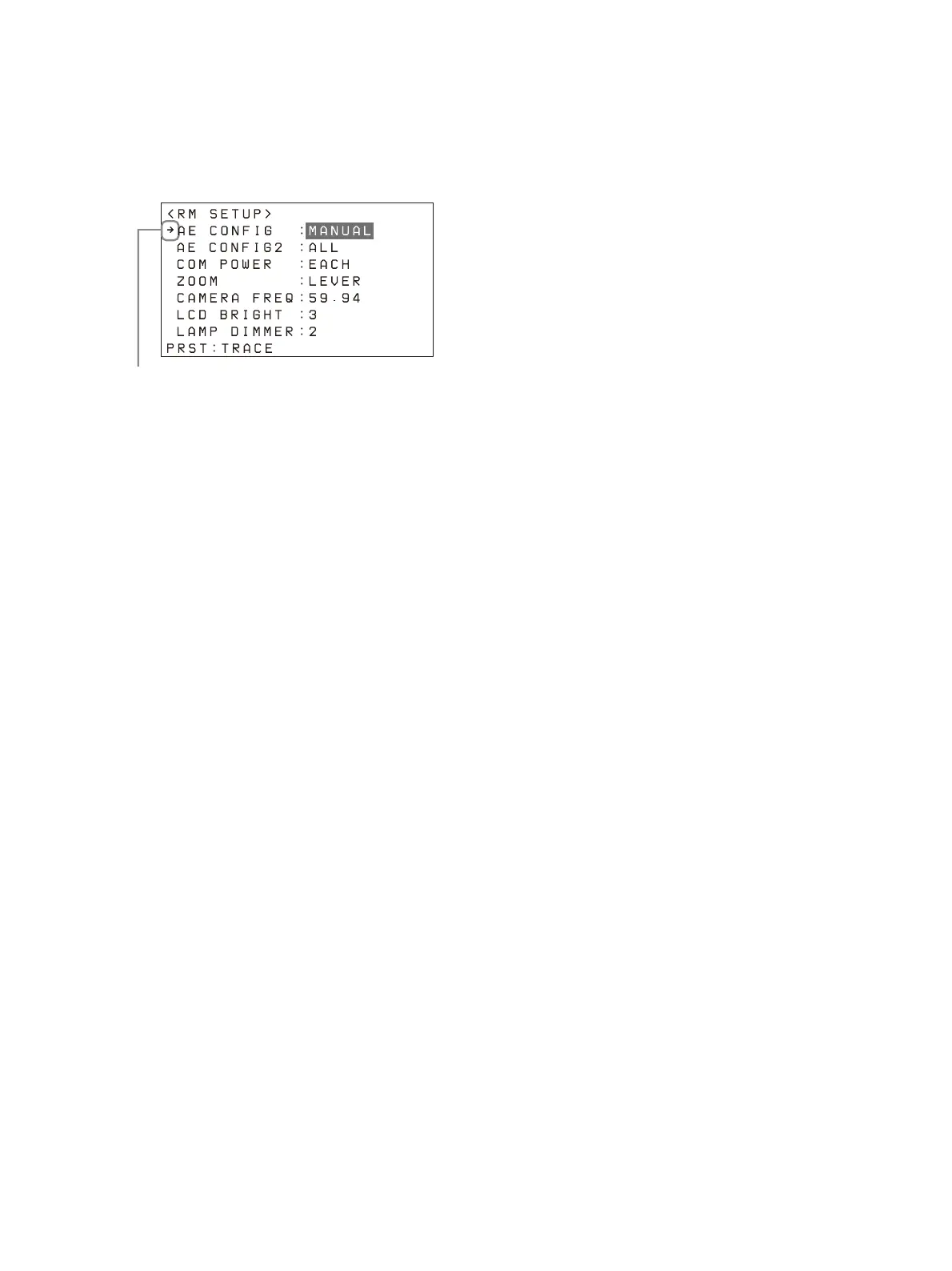
Turn the SELECT knob to move the cursor
to the desired item.
The cursor moves up/down as the SELECT
knob
is turned.
7
Turn the VALUE knob to select the setting.
For items that require confirmation after the
se
tting is changed, the current selection is
displayed highlighted.
Press the VALUE button to apply the change.
T
he highlight display disappears.
To configure items in other menus
Press the CANCEL button to return to the parent
item in the menu, and then use the same
procedure.












 To Next Page