32
2
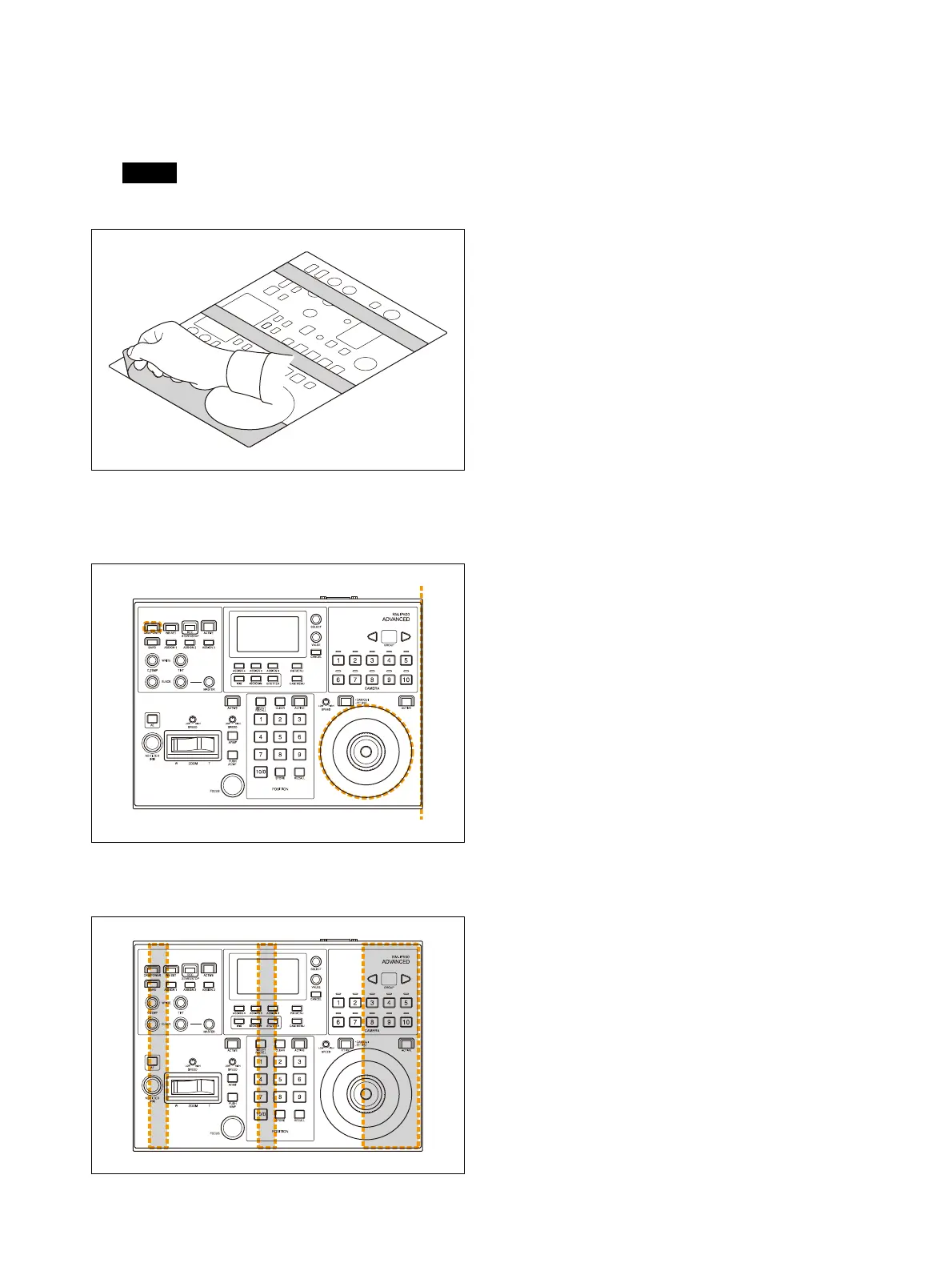
Remove the backing paper from the
double-sided adhesive tape on the rear
side.
There are three backing paper pieces.
Note
Do not touch the adhesive surface.
3
Attach the panel sheet to the panel surface
using the dotted lines in the following
diagram as a guide.
4
Press down on the adhesive areas to
secure the panel sheet.












 To Next Page